
Integration:
Definition, Examples and Synonyms
In the context of project portfolio management and resource managementResource ManagementWhen it comes to resource management, the focus is on the optimal planning, coordination and monitoring of resources. The term “resources” includes things like employees, budgets, materials and time. (PPM and RM for short), integrations help to connect different tools with each other. This means that you don’t have to manually enter information into multiple systems. Instead, the data flows automatically to where it is needed.
For example, a PPMPPMSynonym for → Project Portfolio ManagementProject portfolio management (PPM) is a process that seeks to select, prioritize, monitor and analyze a company’s projects. tool like Meisterplan can be connected to an HR software, an ERP system (for finances and budgeting), a time recording tool, and a task management tool (e.g., Jira). Important data such as availability, projectProjectA project is a time-limited undertaking with defined objectives and resources that delivers unique results and often includes complex tasks. progress, and costs are automatically transferred from these tools.
The connection between the programs often takes place via APIs. An API (application programming interface) is an interface that allows two programs to “talk” to each other – or, in other words, to send and receive data.
A Practical Example
Marcel is the PMO manager at a tech company that works on over 30 projects simultaneously. His colleagues all work with different tools; the PMOPMOSynonym for → Project Management OfficeA Project Management Office (PMO) is a permanent organizational unit responsible for the centralized and coordinated management of all projects. plans with a PPM tool, time tracking runs on a separate system, HR manages employeeEmployeeSynonym for → ResourceResources are all the people, places and things that you need to complete projects. The most important resource? Employees, of course! absences in a different solution, and the project managers and teams work in Jira.
Without integrations, Marcel would have to synchronize all this information manually: who is available? Who has been allocated to a given project, and with how much capacity? How much budget has already been used?
With integrations in a central tool, things are a lot less hectic:
- Absences from the HR system flow directly into resource planning.
- Actual times from the time tracking tool are automatically transferred to the project status.
- The progress of work packages in Jira is visualized in the PPM tool.
As a result, Marcel can see immediately how his project is really progressing – without having to constantly copy data or update tables. Planning becomes more realistic, and decision makers are more informed.

Synonyms und Abbreviation
There are a number of synonyms and related terms for the word “integration.” They may vary slightly depending on the context.
Synonyms:
- Interface
- System connection
- Tool connection
- Data integration
- System integration
Abbreviations and Technical Terms:
- API (application programming interface) – the interface between two programs
- ETL (extract, transform, load) – describes the data flow for large amounts of data
- iPaaS (integration platform as a service) – a platform for connecting tools
- Webhook – a little helper that automatically transfers data when something happens
FAQ
Integrations are important because they ensure that all projectProjectA project is a time-limited undertaking with defined objectives and resources that delivers unique results and often includes complex tasks. participants work with up-to-date and consistent data that doesn’t have to be recorded twice. This reduces errors, increases efficiency, and allows you to plan better overall.
Above all, you should integrate ERP systems, HR software, time recording tools, development platforms such as Jira, BI tools such as PowerBI, and collaboration tools such as Microsoft Teams into your central tool. These systems contain important information on costs, resources, time expenditure, tasks, and communication. In other words, you should integrate the data that is important for making well-founded decisions in project and resource managementResource ManagementWhen it comes to resource management, the focus is on the optimal planning, coordination and monitoring of resources. The term “resources” includes things like employees, budgets, materials and time.. If you integrate this data into a central tool such as Meisterplan, there’s no need to transfer it manually later. This saves time, reduces errors, and ensures that everyone involved is working with up-to-date and reliable information. This helps you manage projects better, deploy resourcesResourceResources are all the people, places and things that you need to complete projects. The most important resource? Employees, of course! in a more targeted manner, and make decisions based on solid data.
An API is the technical basis through which two systems can communicate. An integration is the practical application of this interface – i.e., the concrete connection between two tools.
With integrations, you save time because data is automatically transferred between different systems, without you having to type it in manually and constantly update it. This not only reduces your workload, but also helps you avoid typical errors like typos or outdated information. Automatic synchronization keeps data up to date and consistent everywhere, which significantly increases data quality. At the same time, cross-team collaboration is strengthened; everyone involved – whether project managementProject ManagementProject management is the planning, steering, and monitoring of projects to achieve specific objectives within a given timeframe and budget., HR, or controlling – has access to the same level of information. This facilitates coordination, improves transparency, and allows you to make well-founded decisions.
An integration platform is a software solution that connects several different systems within an organization. It is also known as iPaaS (integrated platform as a service). It helps to automatically exchange data between the systems – without the need for complex programming. Examples of integration platforms are Zapier and Microsoft Power Automate. This allows many tools to be easily linked together in order to automate processes and keep information up to date.
A connector is a ready-made connection between two software programs. It ensures that data is exchanged automatically without the need for separate programming. With a connector, you can quickly and easily connect tools such as Meisterplan with other systems such as Jira, Asana, or Microsoft Teams.
Integrations with Meisterplan
We specially developed Meisterplan to fit seamlessly into existing IT landscapes. That’s why we offer a wide range of integration options. Our goal is to enable you to make well-founded decisions with just a small amount of relevant information. Therefore, integrations in Meisterplan only import the most important data from your teams – without disrupting their existing workflows.
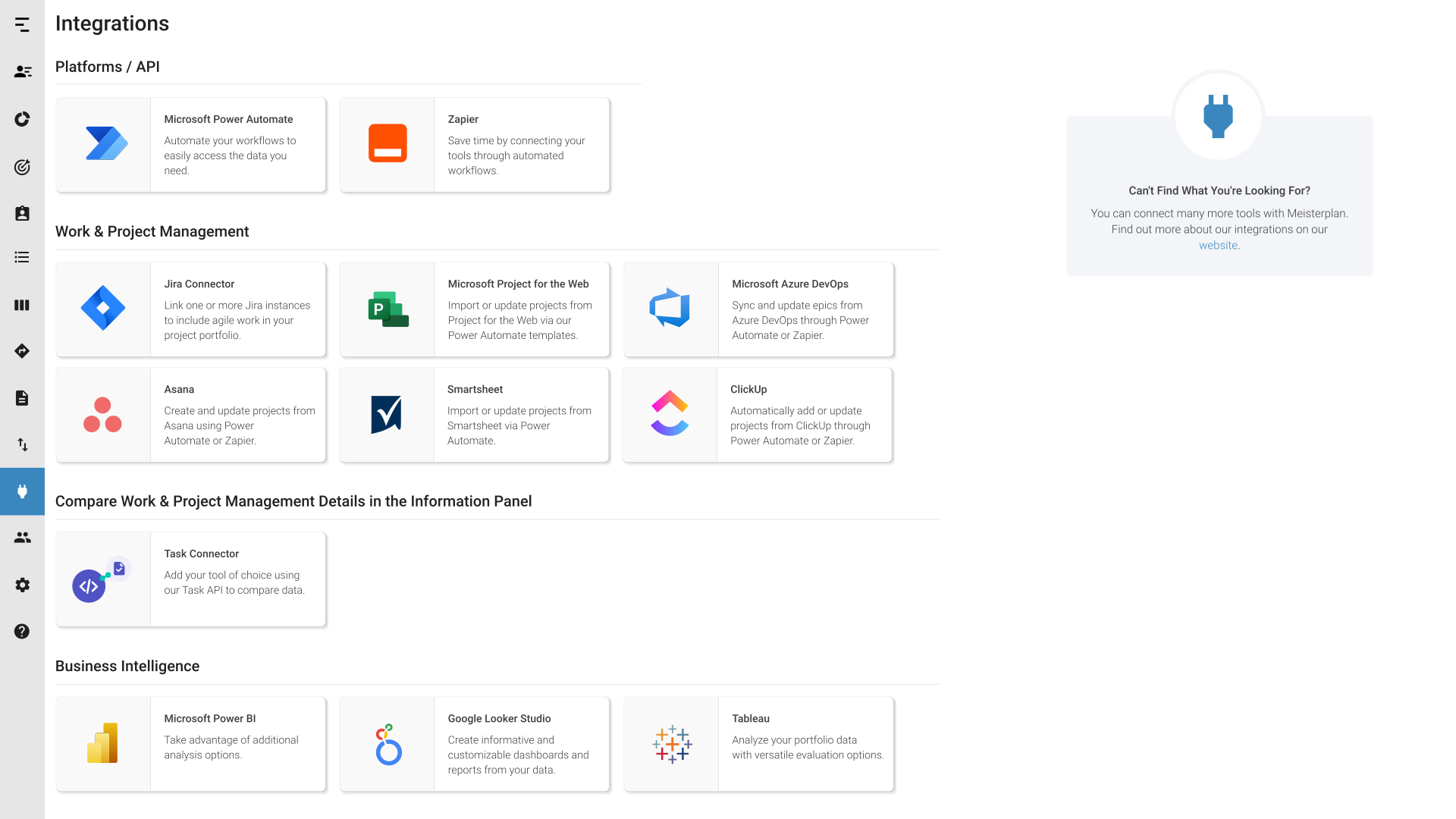
Would you like to connect several tools to Meisterplan at the same time? With the REST API, you can easily and securely synchronize data between Meisterplan and third-party systems to keep things up to date. You can also integrate iPaaS solutions, like Zapier or Power Automate, to connect Meisterplan to your existing tools without additional effort or in-depth programming knowledge.
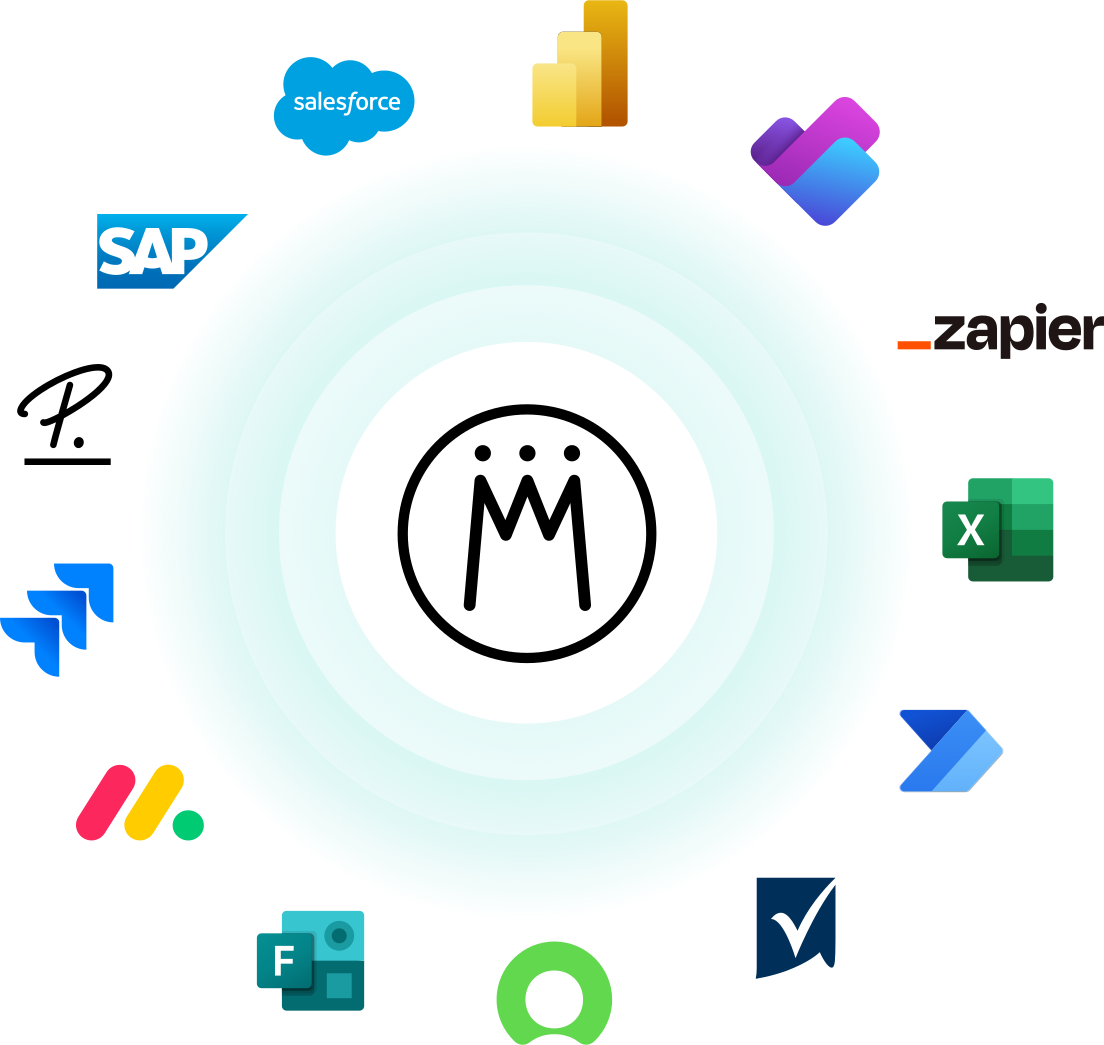
With the integrations in Meisterplan, you can easily compare task-level plans with portfolio plans. With the Meisterplan Task Connector, you can easily link Meisterplan with the many different tools that you already use. For example, you can connect Jira, Asana, Smartsheet, monday.com, Trello, and many more directly to Meisterplan for smooth data consolidation. TasksTasksSynonym for → ProjectA project is a time-limited undertaking with defined objectives and resources that delivers unique results and often includes complex tasks. and work packages from these systems are automatically synchronized with Meisterplan – including status, effort, and project managers. This gives you an uncomplicated overview of projects, resourcesResourceResources are all the people, places and things that you need to complete projects. The most important resource? Employees, of course!, and progress, allowing you to plan allocationsAllocationAllocating describes the strategic process of identifying the correct resources for projects or individual tasks and assigning them accordingly. more effectively.
With the Quick Import function, you can transfer your spreadsheets from Google Sheets or Microsoft Excel directly into Meisterplan, or vice versa with just a few clicks.
And if you work with the Microsoft Office Suite beyond just Excel, many of those tools can also be easily connected to Meisterplan. We have integrations for Microsoft tools such as Forms, Project, Outlook, Planner, and Teams.
This might also be of interest to you

Meisterplan Launches Zapier Integration
Meisterplan is excited to announce a new integration with Zapier. This integration will allow Meisterplan users to connect even more applications to their Meisterplan system, saving them time and effort.

Outgrow Excel for PPM: A Recap From Our Webinar
We'd like to thank everyone for our attending our recent webinar, "Outgrow Excel: Take the Next Step in Resource Management and PPM Maturity." Here are the questions asked by attendees during the webinar.

Power BI Reports for Effective Decision Making
Our Power BI report templates are specifically designed to make it easier to communicate Meisterplan data and make actionable decisions.