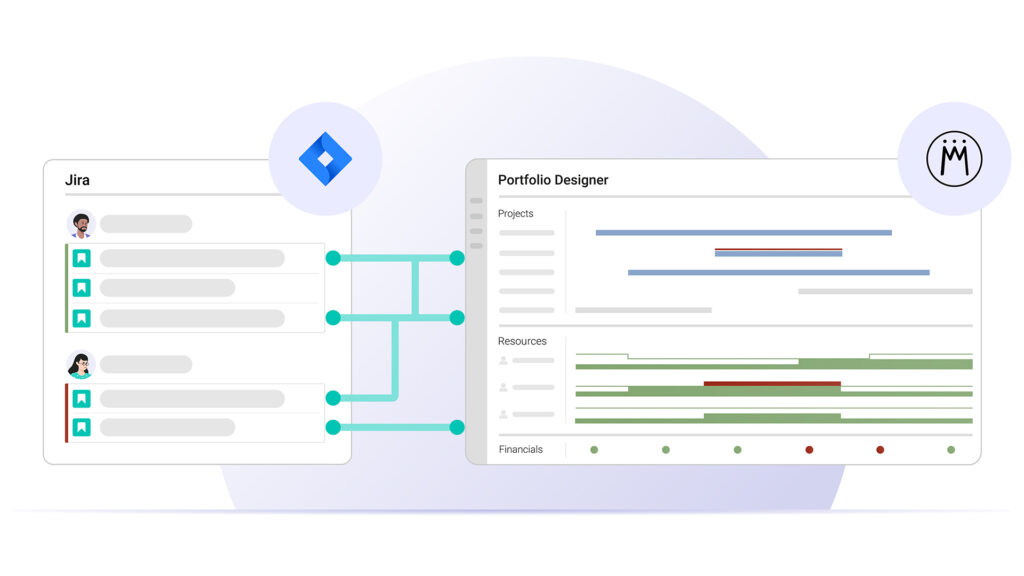
Jira and Meisterplan – Working Together Across Industries









Transparency for Management, Flexibility for Teams
Create a planning level just for middle management that goes beyond sprints and single tasksTasksSynonym for → ProjectA project is a time-limited undertaking with defined objectives and resources that delivers unique results and often includes complex tasks.. This allows you to make more informed decisions while your teams stay productive in Jira. With Meisterplan, you can answer questions like:
- How are we planning across teams in the coming months?
- When will a feature or project be done – realistically?
- How much time and money has already been invested in projects?
A Reality Check for Your Jira and Portfolio Planning
With Meisterplan, you can finally see your Jira plans and portfolio plans side by side, updated daily. Use these to immediately make comparisons between the different levels of planning.
- Identify where planned capacities differ between Jira and Meisterplan across your entire portfolio
- Easily identify how discrepancies arise for individual projectsProjectA project is a time-limited undertaking with defined objectives and resources that delivers unique results and often includes complex tasks.
- Adjust your planning and sync the changes between tools – or choose to leave Jira data untouched.
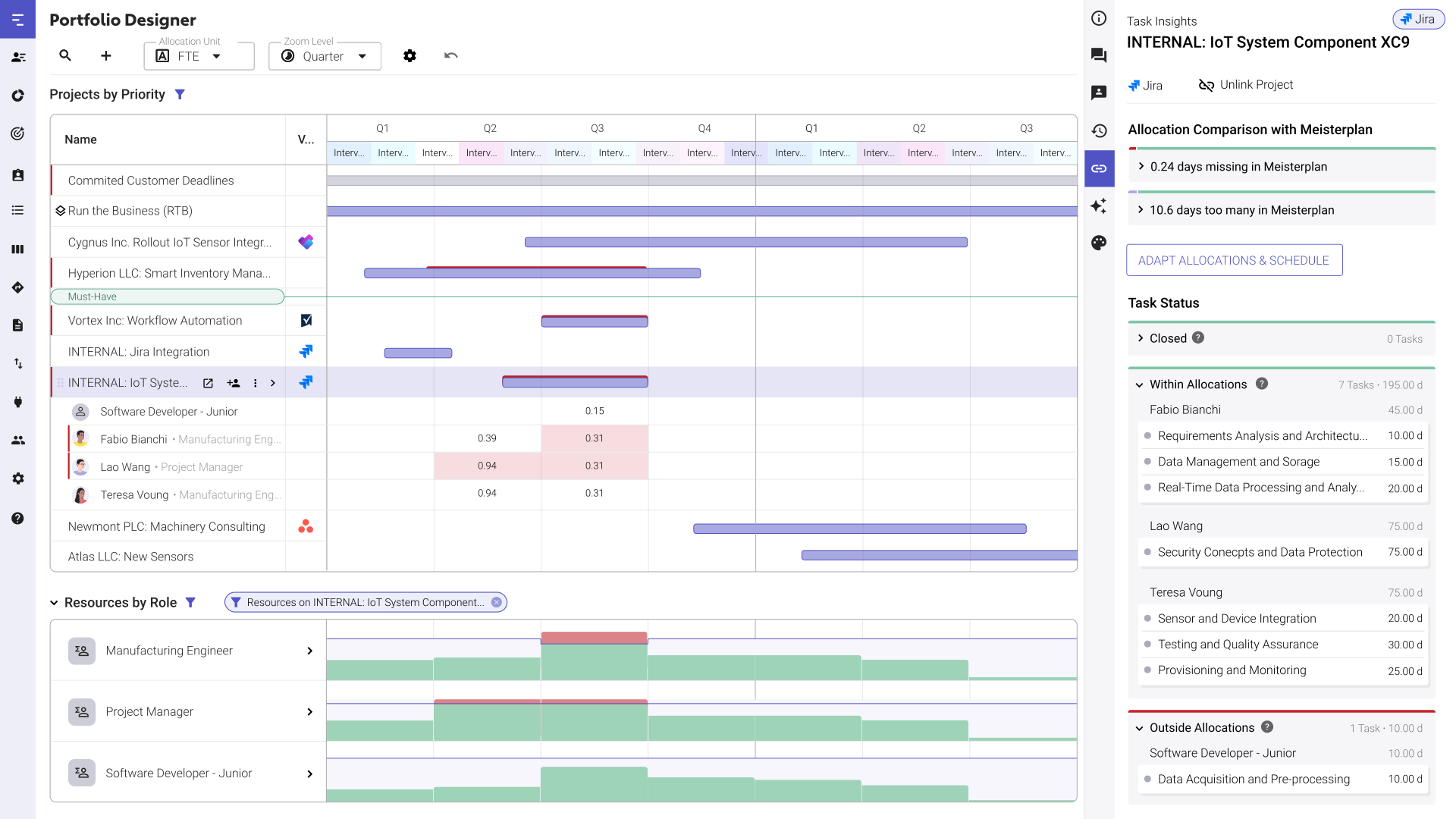
Plan Resources Across Teams, Projects, and Tasks
Regardless of whether it’s about tasksTasksSynonym for → ProjectA project is a time-limited undertaking with defined objectives and resources that delivers unique results and often includes complex tasks. in a single project or all the projects in a portfolio: in Meisterplan, you get an overview of all priorities, plans, and capacities in the medium and long-term.
- Know across teams if there is actually available capacity and prevent bottlenecks, even with rough data
- Ensure that your portfolio plan mirrors your teams' sprint-level planning by seeing dependencies between teams and stories
- Play out scenariosScenarioIn project portfolio management (PPM), scenarios are potential ways that your portfolio can look, based on a set of well-defined assumptions and portfolio decisions. Scenario planning is used to forecast… with entire teams, single employeesEmployeesSynonym for → ResourceResources are all the people, places and things that you need to complete projects. The most important resource? Employees, of course!, or roles – all in real time

Why Use Meisterplan, and Not a Jira Plugin?
Meisterplan Maps Out Your Entire Portfolio Process

Want to Speak to an Expert?
Talk to our team today.