Getting AI to Actually Understand Your Portfolio
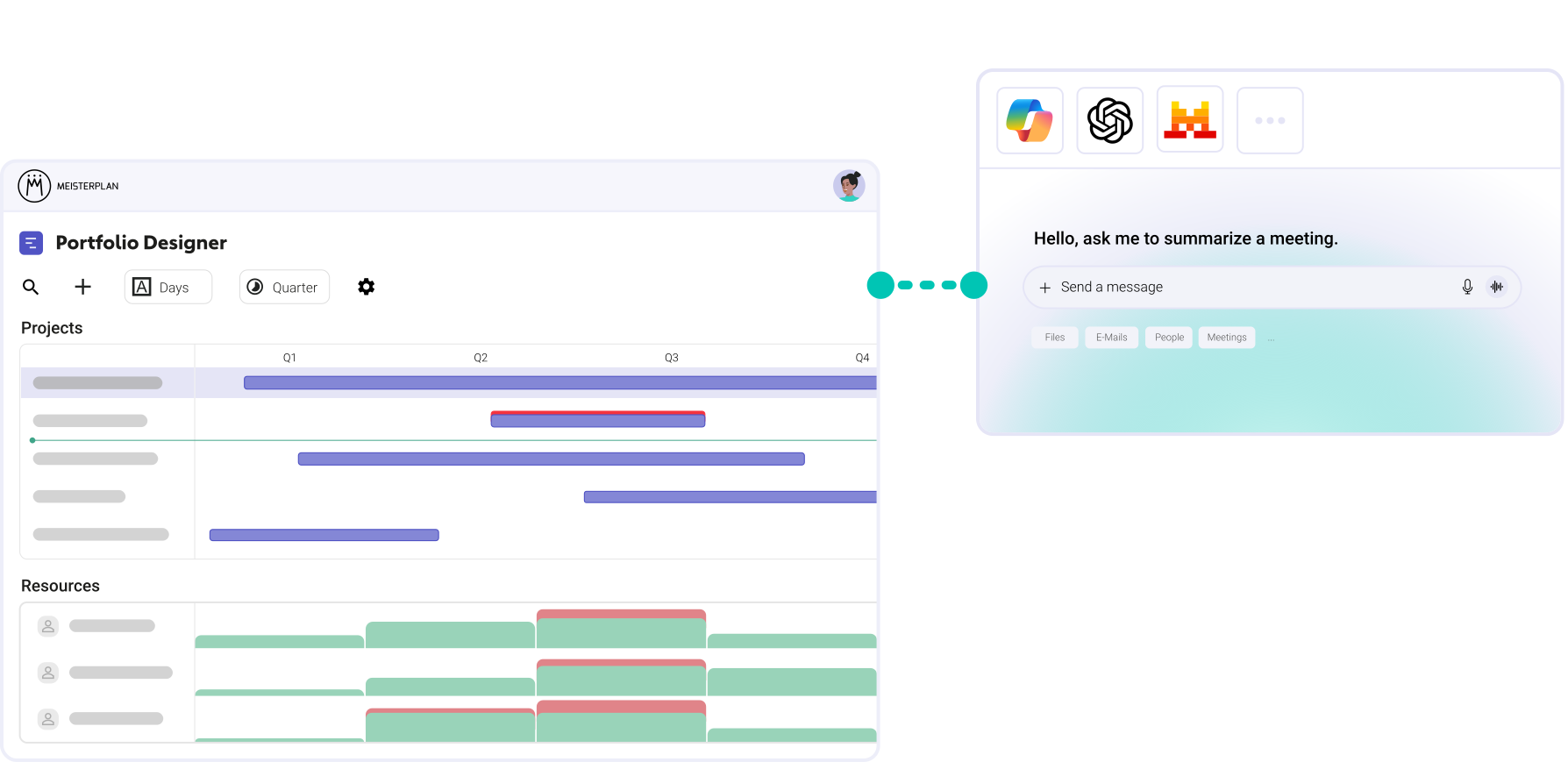
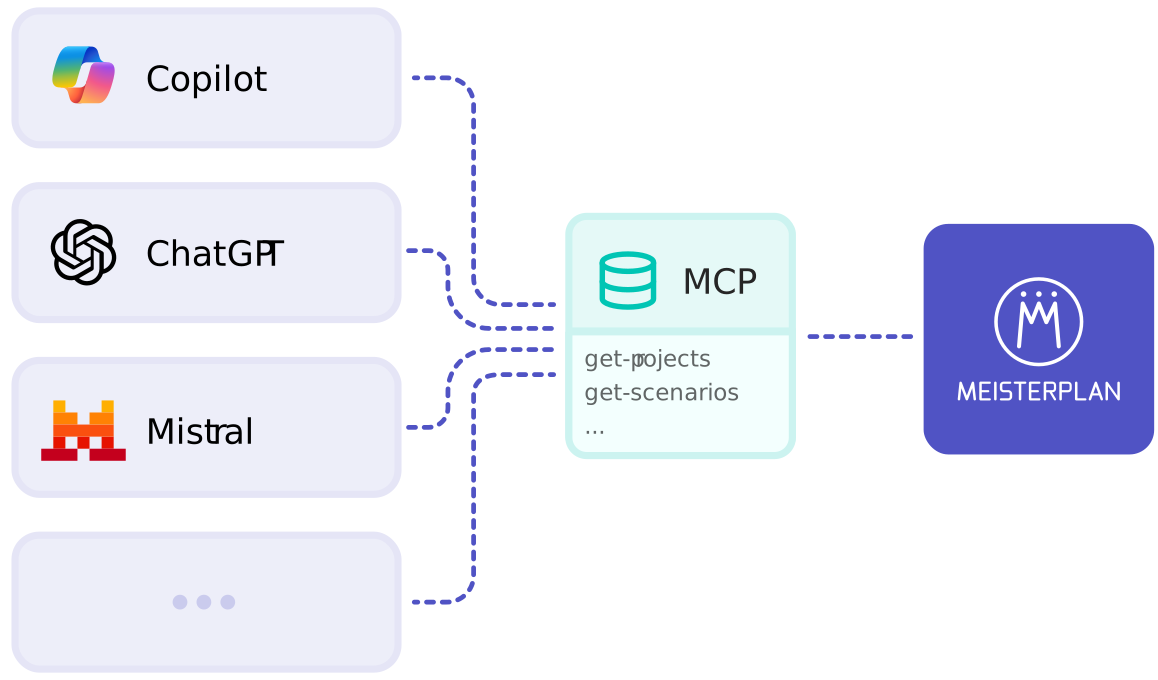
With our MCP Server, your AI agent can securely access and understand your Meisterplan data with the right context, and then works with it using natural language.
- Connect most common LLMs, whether directly as a chat or as a building block in your workflows.
- Make live data more accessible through chat, including project details, scenarios, and KPIs, with resources, change logs, and more coming soon.
- A clear permission framework, since the MCP Server only returns information that is visible under the rights of the connected account.
What You Need for the Integration
Access
A Meisterplan account with access to the MCP Server, plus an MCP-capable LLM of your choice.
MCP API Token
The token determines which data is shared, based on the account that created it.
A few minutes
With our Help Center, you can set up the connection yourself – no deep technical knowledge required.
Using AI Agents With Meisterplan: A Few Examples
Meisterplan as a Building Block in Agents and Workflows
Combined with data from your other tools, an agent can answer questions that no single system could answer on its own. A few example scenarios:
Prepare Meetings
With Copilot
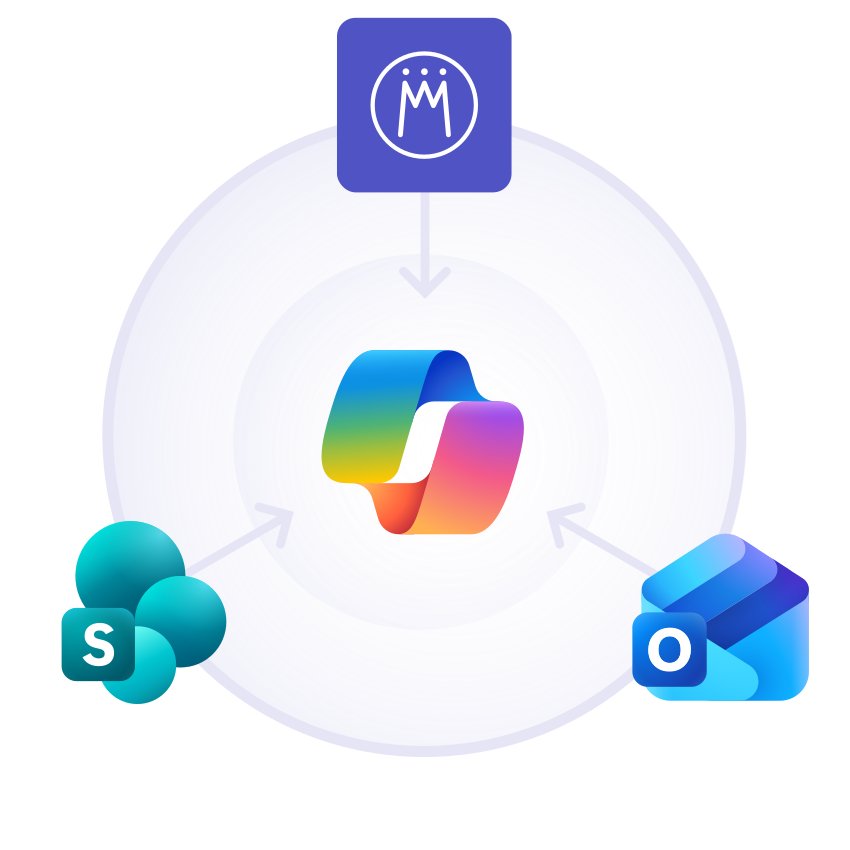
Copilot takes the agenda for your next steering meeting from Outlook, pulls the relevant documents from SharePoint, and adds the current project status from Meisterplan into a ready-to-use overview.
Answer in the Team Chat With ChatGPT
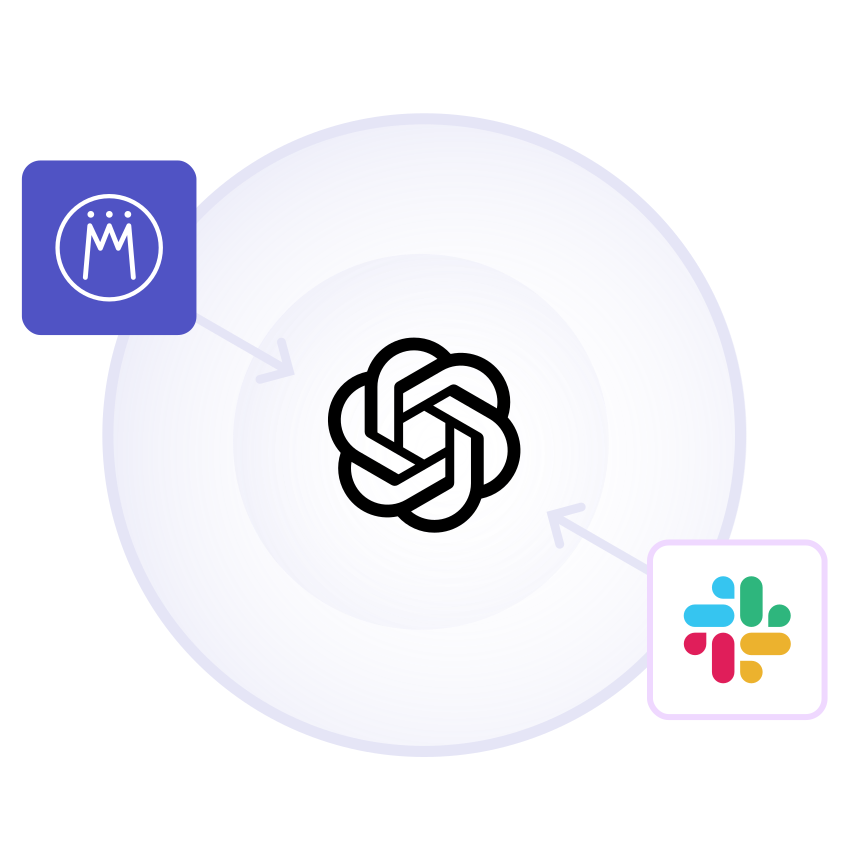
In the Slack channel where your team discusses a project, a ChatGPT agent connects the ongoing conversation with the current status from Meisterplan and answers questions right in the thread.
Build a Business Case With Mistral
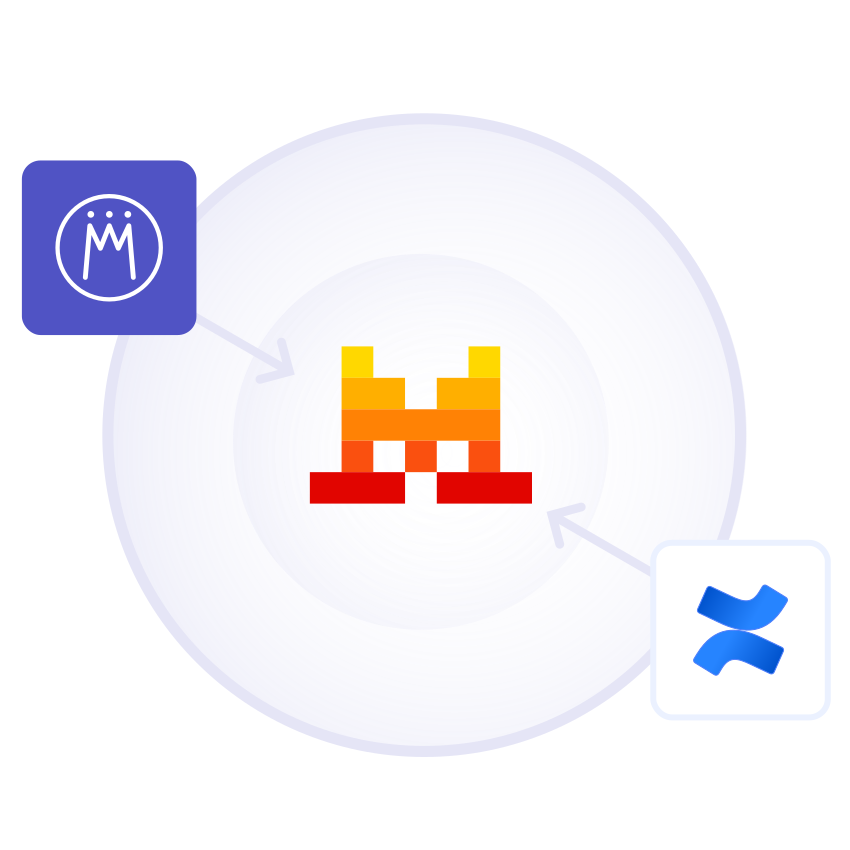
For a new initiative, Mistral pulls the requirements from Confluence and comparable past projects with their metrics from Meisterplan, giving you a solid basis for estimating effort and value.

Everyone started to see Meisterplan as the endpoint — the place where all data flows and where we make sense of everything. It gives us the executive view, the ability to plan, and the confidence to make decisions.
FAQ
Frequently asked questions about Meisterplan's MCP Server.
The MCP Server doesn’t process any content with AI itself. Once your request goes to your AI, its hosting determines where processing happens. If you are located in Europe and wish to keep your data in the EU, you should check where your agent runs.
That depends entirely on your AI provider. Once the data is handed over, Meisterplan can’t control how a third party uses or stores it. The provider’s policies apply.
Yes. The MCP Server respects the permissions of the connected account. If access to part of the data is missing, you get a partial answer noting which part wasn’t available.
Through a token. Either each user connects with their own token and sees only their data, or your admin sets up a dedicated account whose read permissions apply to all users of the agent. User-specific authentication is in the works.
Any agent that supports MCP via API Token.
We generally recommend using one of the current models, as they are significantly better at understanding context and analyzing larger amounts of data.
Because our MCP tools are tailored to Meisterplan, the AI knows exactly which fields and values it’s reading. This reduces mistakes, but as with any AI, you should still double-check the output before making important decisions.
Currently, Meisterplan’s MCP Server can only read data. But we’re already working on enabling writing as well, like being able to create projects via prompts.
Using the MCP is free of charge. However, costs may be incurred from your AI provider depending on your token usage.
Ready for Our No-Nonsense AI?
Try it out for yourself! Start a trial today and activate Meisterplan AI and beta features.