Flexible Connections Wherever You Need Them
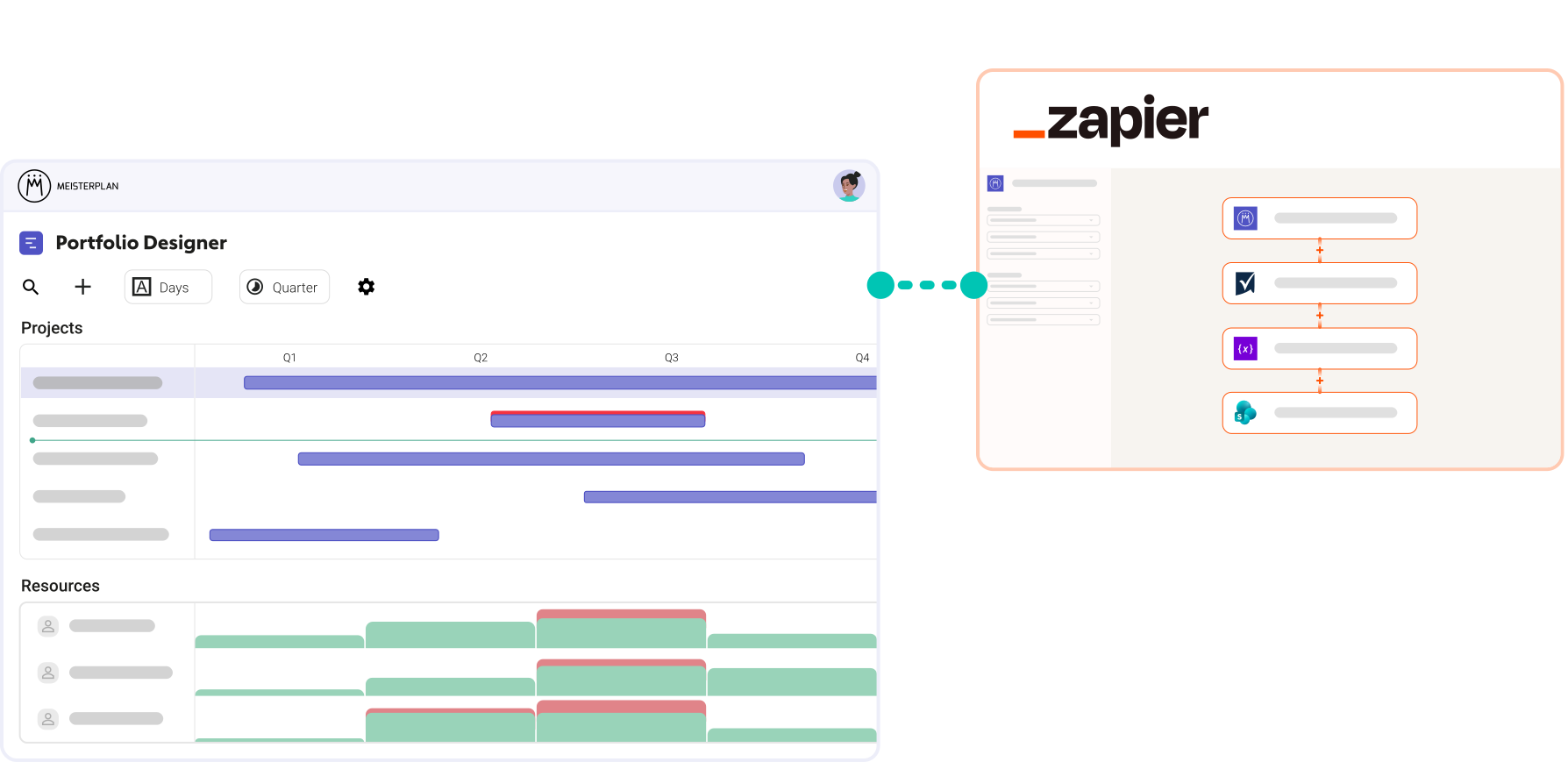
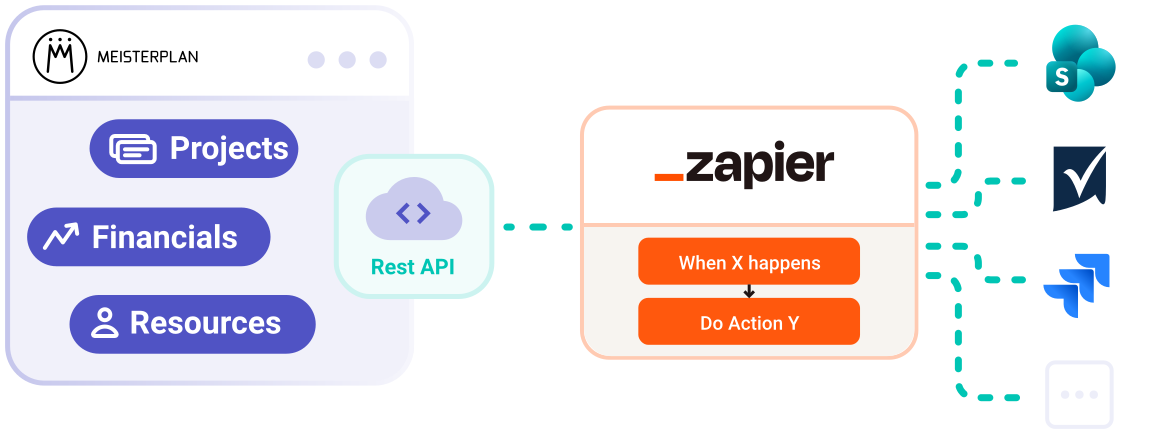
The Zapier connector for Meisterplan gives you the freedom to build flexible data flows across your systems based on your own rules.
- Effortless setup: Pre-built Zap templates take the heavy lifting out of configuring recurring processes.
- No-code approach: Intuitively connect triggers and actions with drag-and-drop simplicity.
- Thousands of connected apps: Tap into the Zapier ecosystem of over 2,000 apps – from Trello to Google Workspace to Slack.
How to Test the Integration via Zapier
Step 1:
Start a Meisterplan trial, click Integrations in the navigation bar, and select Zapier.
Step 2:
Select one of our templates and authenticate both tools.
Step 3:
Fill in the missing fields in the workflow and test it immediately.
A Few Examples of Connected Tools via Zapier
Popular Zapier Templates
We provide ready-to-use templates for common tasks like creating projects and resources. Just fill in your details!






Everyone started to see Meisterplan as the endpoint — the place where all data flows and where we make sense of everything. It gives us the executive view, the ability to plan, and the confidence to make decisions.
FAQ
Frequently asked questions about the Meisterplan integration for Zapier.
On the Meisterplan side, API access rights are required. On the Zapier side, you need an active Zapier account (either free or a Zapier paid plan, depending on task volume and apps used).
The integration uses the established Meisterplan permission system. Actions within a Zap execute in the context of the authenticated user account and are restricted to its actual permissions (e.g., read/write access).
With Zapier Team or Enterprise plans, connections and Zaps can be managed centrally in shared workspaces. This keeps automations running continuously, independent of individual user accounts.
The connector responds to project events (create, update, delete) and allows you to automatically search, create, or update projects, resources, roles, allocations, actuals, and absences.
Yes. Meisterplan provides pre-built Zap templates that can be set up in just a few clicks. The entire configuration is fully visual, without a single line of code.

Want to Speak to an Expert?
Talk to our team today.