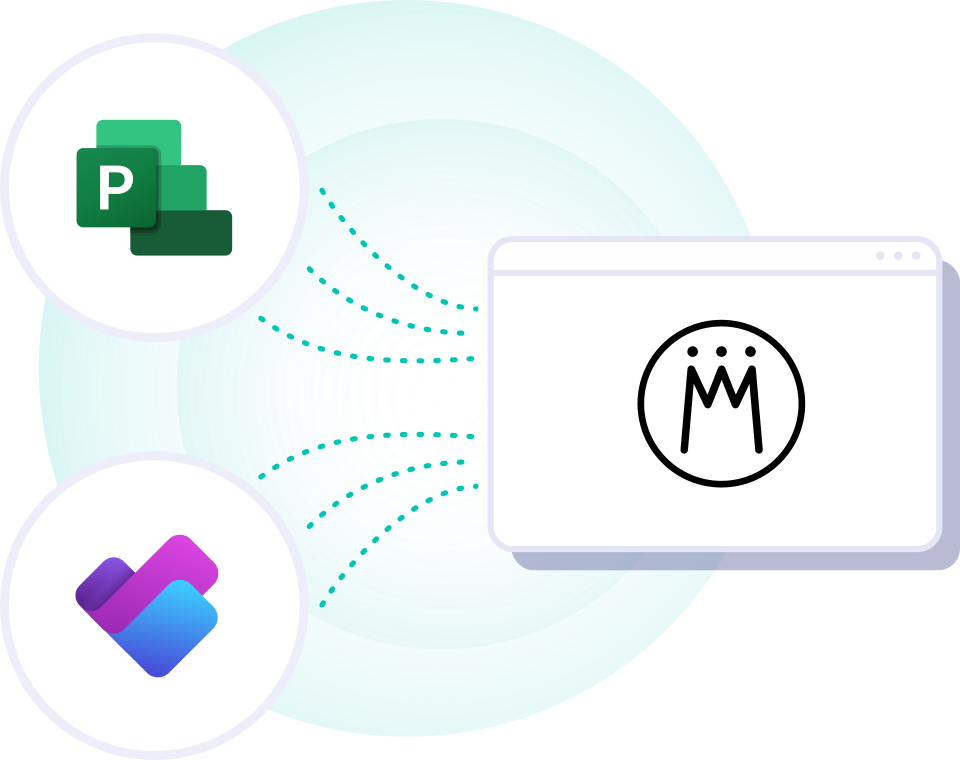














Combine the Best of Project Execution and Portfolio Management
Microsoft Planner didn’t replace Project Online at its end of life, but teams still love using it. What if you could keep Planner and simply layer an ultra-lean project portfolio and resource management solution right on top?
- Stronger Than Complex All-in-One Suites: Integrating market-leading tools your teams actually love beats any rigid suite that promises everything, delivers mediocre results, and gets abandoned by users.
- True Portfolio Visibility: Plan roadmaps, allocate resources, compare priorities, run scenario simulations, and map milestones and dependencies — manage it all in Meisterplan, across teams and tools.
- Fast Adoption with Minimal Disruption: Keep Planner, Azure DevOps, and the tools your teams already use while integrating their data into your portfolio out of the box. No expensive migrations or disruptive change management required.

We'll Prove It to You.
Let us show you everything you need to know about Meisterplan’s top features, Microsoft integrations, and a seamless software transition.
Meisterplan's Core Features
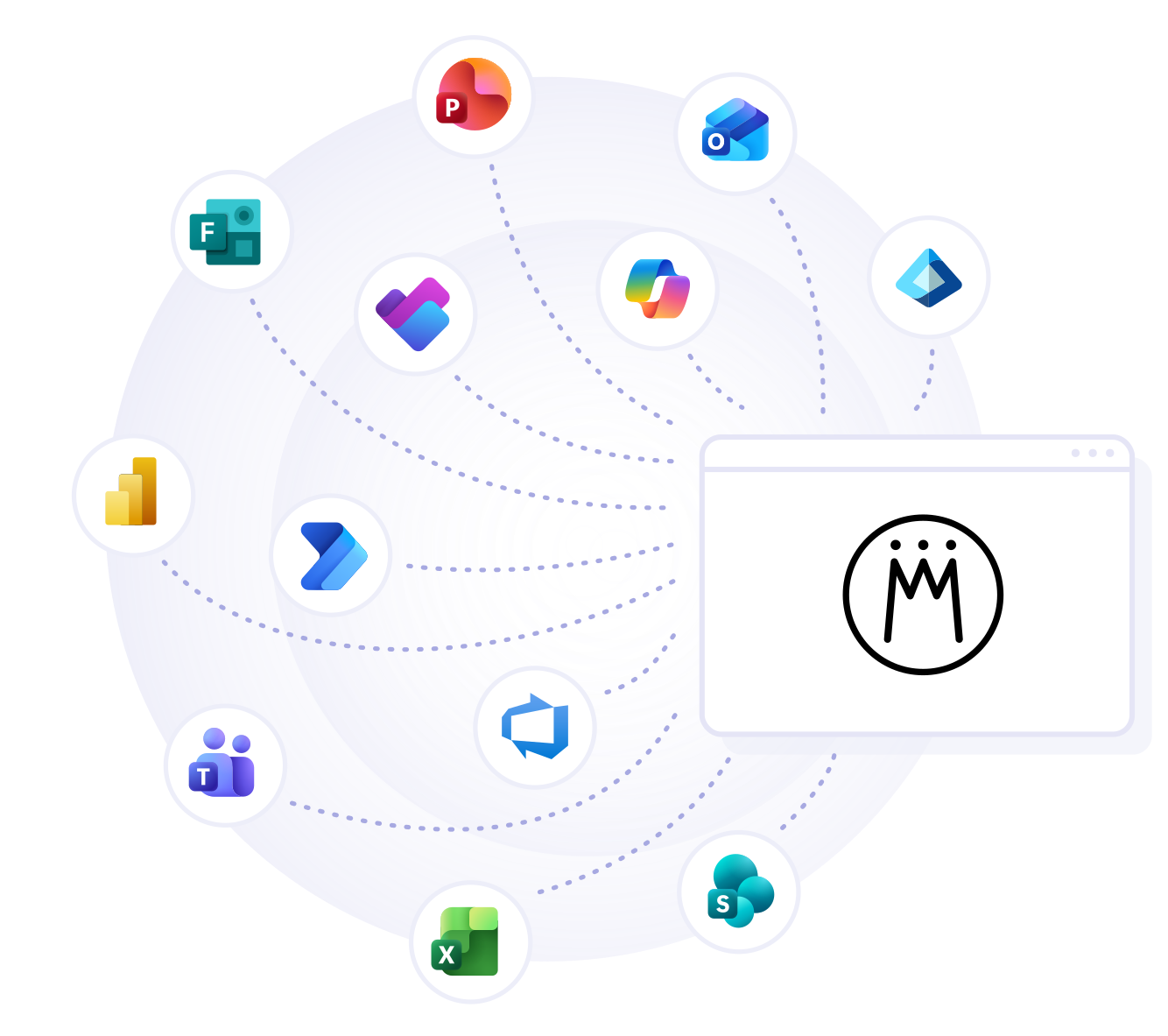
Meisterplan Integrates with Your Entire Microsoft Stack
We know you already rely on a great suite of Microsoft tools, and we want to keep it that way. That’s why Meisterplan focuses on integrations that deliver mutual value and keep your workflows moving.
Effortlessly sync Planner projects and tasks into your high-level portfolio. Fuel Power BI dashboards with real-time data via our dedicated Reporting API. Streamline user management with Entra ID. Populate PowerPoint decks with live project data at the click of a button—and so much more.
There’s no question about Meisterplan anymore. It’s the end point for all our data — our visibility layer. As we introduce Azure DevOps for more agile delivery, teams will continue using the tools that fit their workflows, while Meisterplan remains the strategic layer that unifies portfolio and capacity data.

I think the PowerBI integration is simply terrific. You can just build the report based on your needs, and immediately get the updated data from Meisterplan. I think that is very convincing from a technical standpoint.

I give Meisterplan an A+ for the experience of modifying the project timeline and resourcing. Consider this model if you’ve struggled to forecast resource capacity using spreadsheets or large commercial tools.

On top of providing extremely well-documented user guides, Meisterplan’s Customer Success team offered personalized support that made a real difference for us. They work closely with their customers to understand their specific business needs and can quickly identify the right configuration solution to meet them.

The flow of our projects is highly dynamic, and Meisterplans' Scenario Modeling has greatly enhanced our ability to manage the swings whether upward or downward.

With Meisterplan, our resource utilization is more transparent. Due to the seamless integration into our existing processes, we can increase the satisfaction of both our customers and employees.

With Meisterplan we were productive in just a few hours without extensive training. It offers the chance to use our own project management method which makes it quite simple to roll out. And it's well done for project portfolio management. Project Portfolio Management and Project Management Processes become simple and fast.

How Quickly Can You Get Started with Meisterplan?

You don’t need to rebuild Project Online piece by piece. In fact, switching to Meisterplan is the perfect opportunity to make your processes leaner—with zero operational downtime. Your teams keep working in Planner and other tools, while you bring all their projects together in the portfolio. Add a quick Excel import, and you’ll have instant visibility across the board.
Step 1
If you’re already using Excel and Planner or other tools like Jira, you can easily integrate your project data. Bring your projects, tasks, and assignees directly into your Meisterplan portfolio in just a few clicks using our out-of-the-box integrations.
Step 2
Next, use our Excel Quick Import to migrate relevant data from Project Online. Use this opportunity to leave behind all the bloated legacy data you no longer need.
Step 3
Finally, set up your new, streamlined portfolio processes in Meisterplan at your own pace, provision users via Entra ID, connect Power BI, and more. Our team is always here to support you.