Let Your Teams Use Their Own Tools
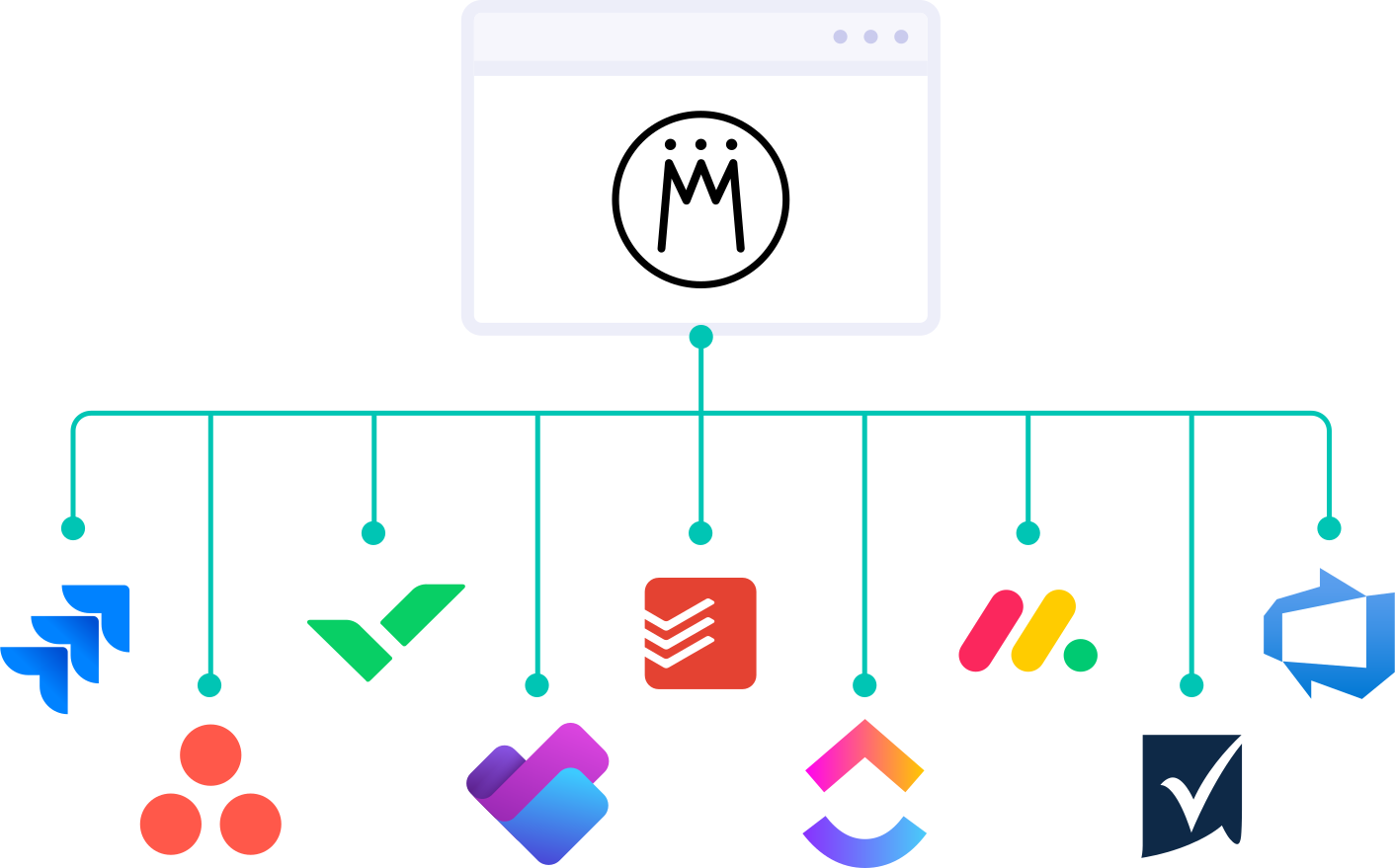
Your teams are more successful when they use the best tools for their work: Jira for agile teams, Asana for marketing, or Microsoft Planner for traditionally planned projects. Meisterplan complements these tools with a portfolio-level overview.
- Stronger Together: Specialized work management tools combined with Meisterplan are far more effective than an all-in-one-suite that tries to do everything.
- Minimal Change: Your teams can continue working exactly as they do today.
- Improved Data Quality: You access live data instead of manually maintained data that quickly becomes outdated.
Work with a Rough Portfolio Plan Using Details Directly from Your Tools
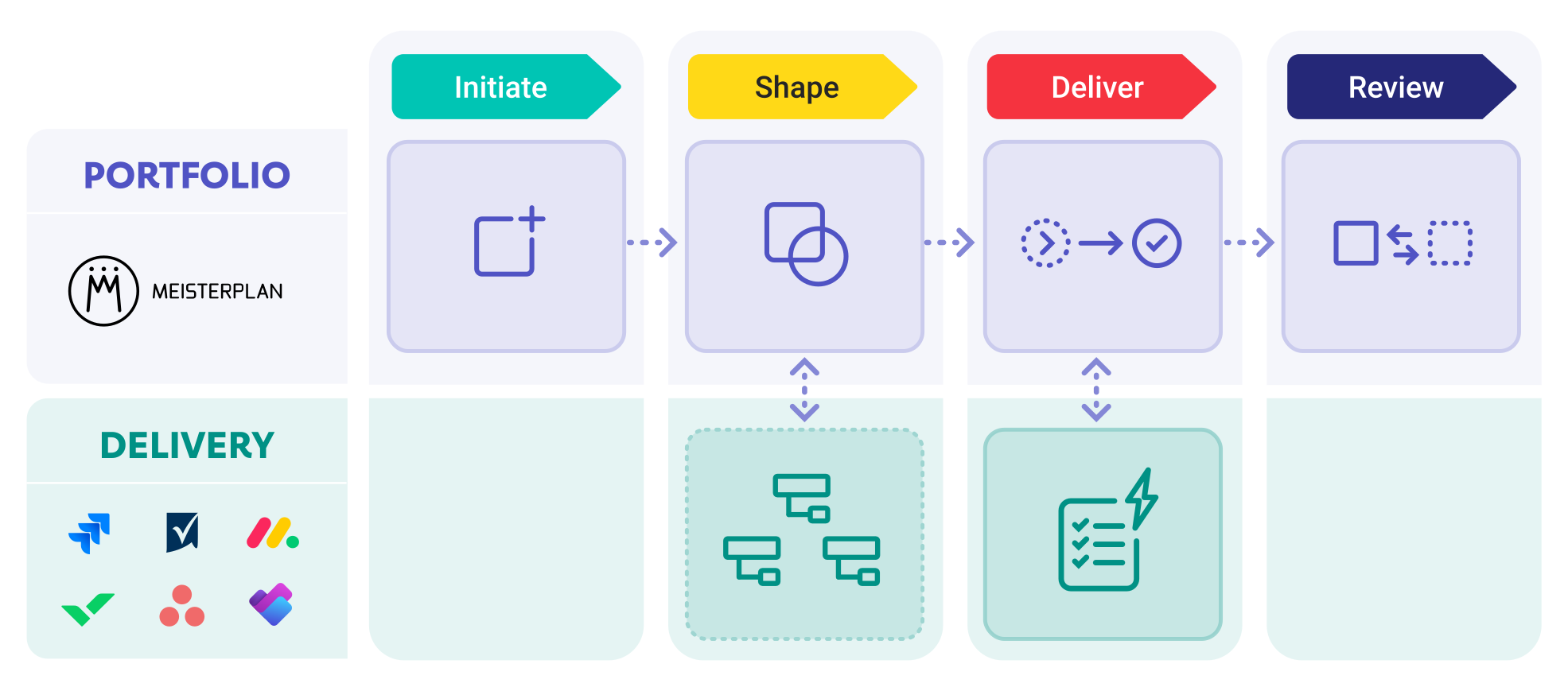
Detailed planning for projects that may never happen is a waste of time. With Meisterplan, you can compare initiatives based on high-level requirements and decide early on what is feasible and when.
Detailed planning only becomes necessary once teams begin planning work packages in their delivery tools. This data then flows automatically back to Meisterplan.
Keep the Portfolio Up to Date with Task-Level Changes
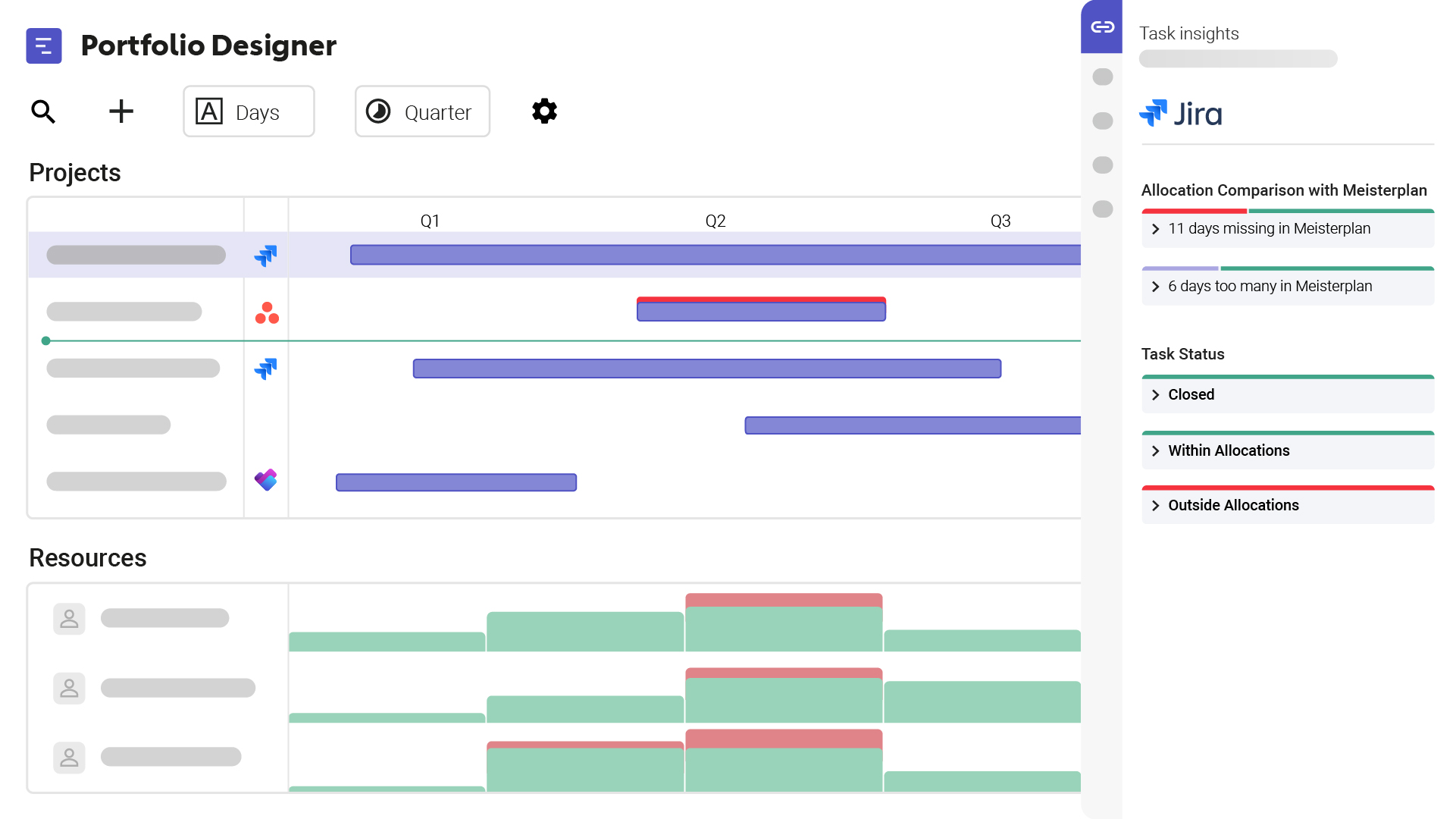
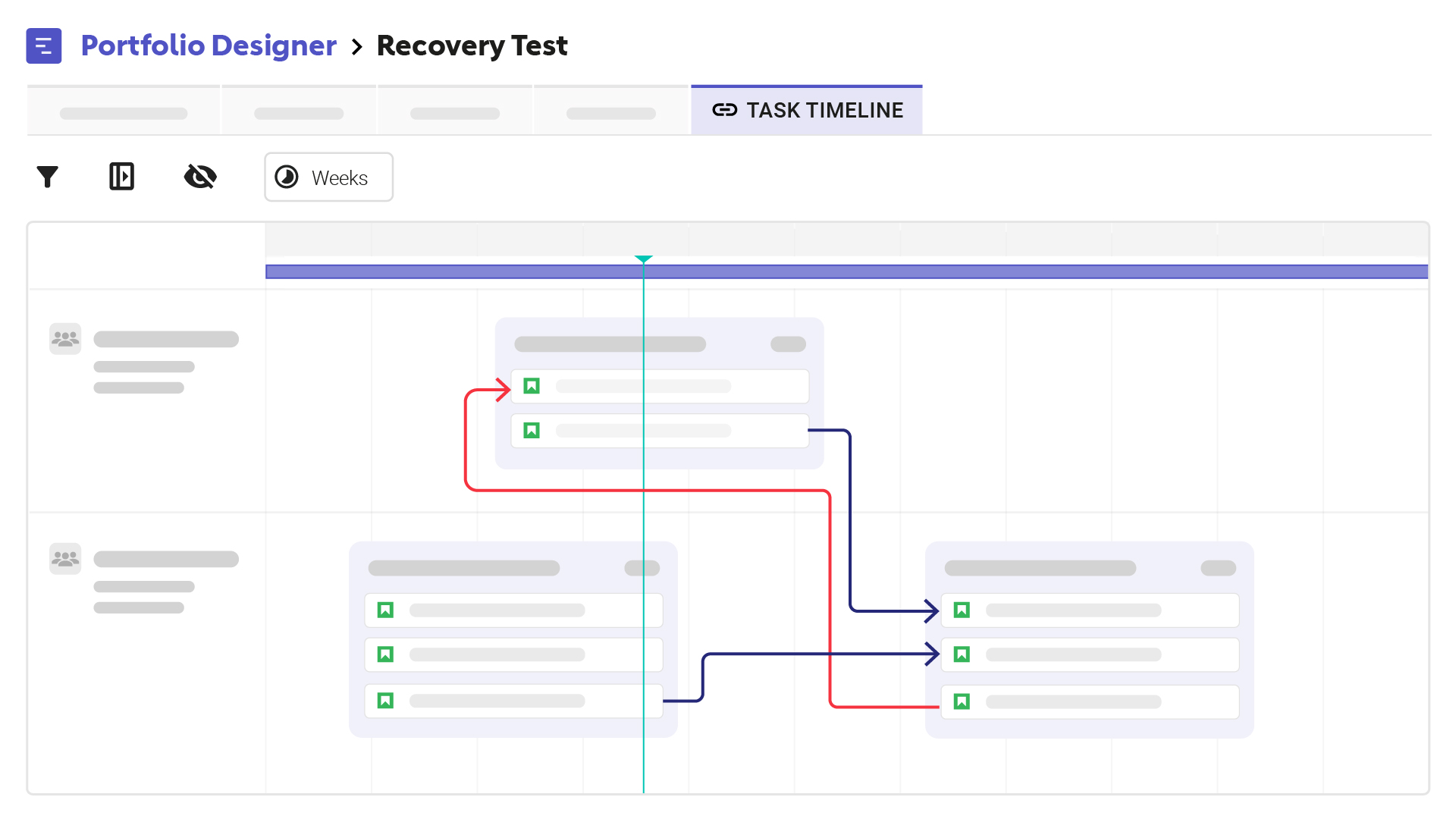
If a team postpones a task by two weeks or capacities change, Meisterplan immediately shows you what this means for future planning periods. You can adjust your portfolio and resource plans directly based on the synchronized data.
How Meisterplan and Your Teams' Tools Complement Each Other
Portfolio and delivery have different planning horizons. Forcing both into a single tool results in either too much detail too early, or too little detail too late. Meisterplan separates top-down and bottom-up planning and brings them together again where it matters.
How to Link Your Work Management Tools
1. Connect Your Tools
Connect your teams' work management tools to Meisterplan using our out-of-the-box connectors. You don’t need any additional interfaces or automation solutions like Zapier or Power Automate.
2. Map Data

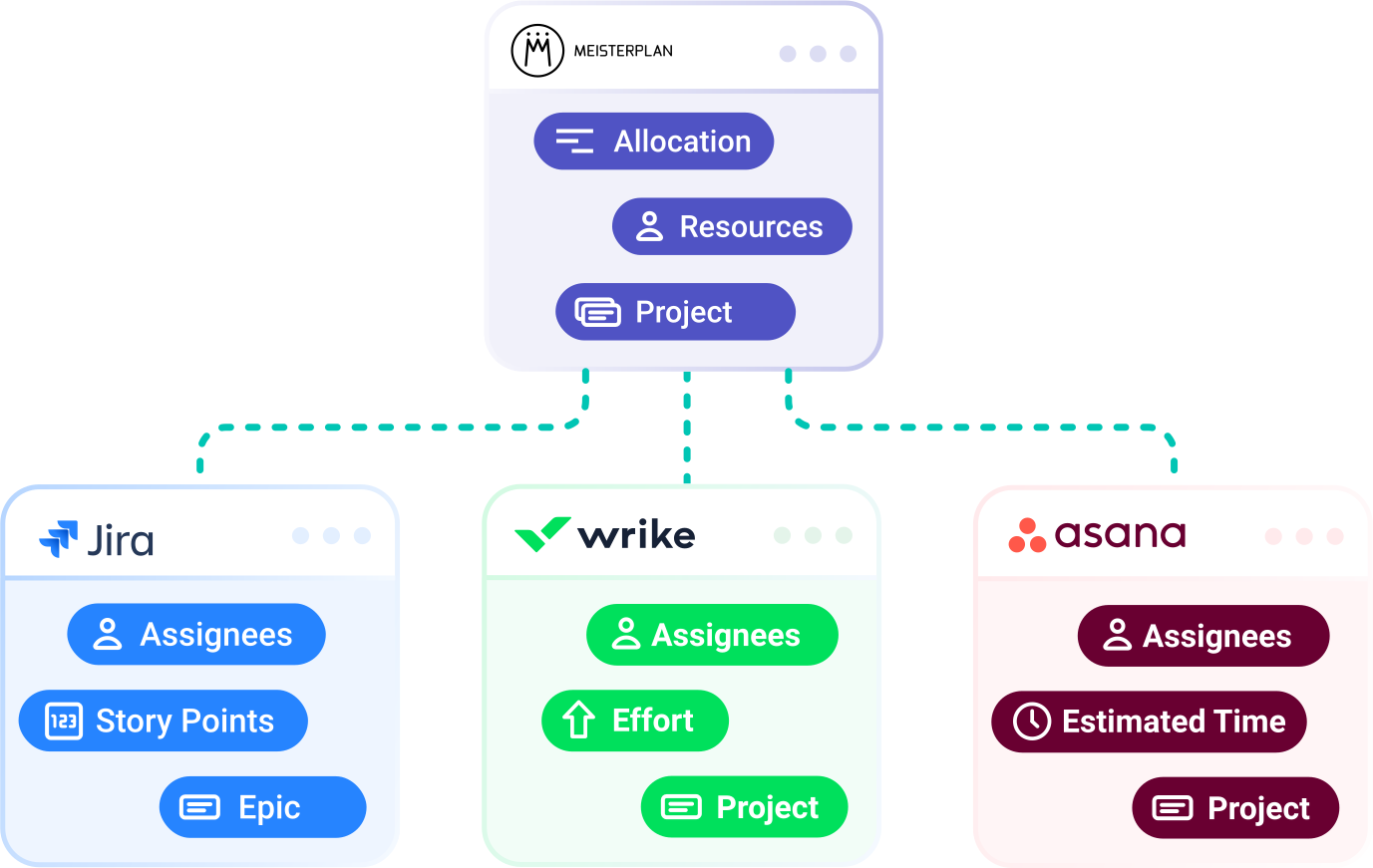
Meisterplan maps the structures of your work management tools onto portfolio-level planning data – for example, story points to allocations, responsible parties to resources, and sprints to planning intervals.
3. Synchronize Tasks

Meisterplan automatically assigns tasks to the relevant projects – including effort, ownership, and deadline. You can view task progress directly within the project, either in the task timeline or the info panel.
Our Current Out-of-the-Box Integrations for Work Management
Asana
Keep your teams in Asana and gain full portfolio-level transparency by automatically integrating their tasks and progress into your planning.
ClickUp
Synchronize your lists and time estimates from ClickUp with projects and allocations in Meisterplan to account for them in cross-functional resource and portfolio planning.
Jira
Integrate your Jira epics—along with tasks, assignees, story points, and more—into your portfolio planning with Meisterplan. Meisterplan’s out-of-the-box integration works no matter how you use Jira.
Microsoft Planner Premium
Unlock tasks and schedules from Planner Premium for high-level portfolio and resource planning—with zero double data entry or disruption to your team's daily workflows.
Todoist
Connect your team workspaces, including all assigned people and projects, to your portfolio in Meisterplan to include them in portfolio planning without added effort for teams.
Wrike
Make your tasks and subtasks from Wrike usable for cross-functional portfolio and resource planning with Meisterplan by mapping and integrating plan elements across spaces.
This list is still growing. Is your tool missing?
Talk to our team.Contact
Your Recipe for a Quick Start
- Teams Stay in Flow: Your teams continue to work in their familiar work management tools – without any changes.
- Out-of-the-Box Connectors: Connectors are available for the most common work management tools. Multiple instances can be connected simultaneously – even across different tools.
- Importing existing projects: Our integrations allow you not only to synchronize projects, but also to import them.