Get Started Quickly with Our Power Automate Template
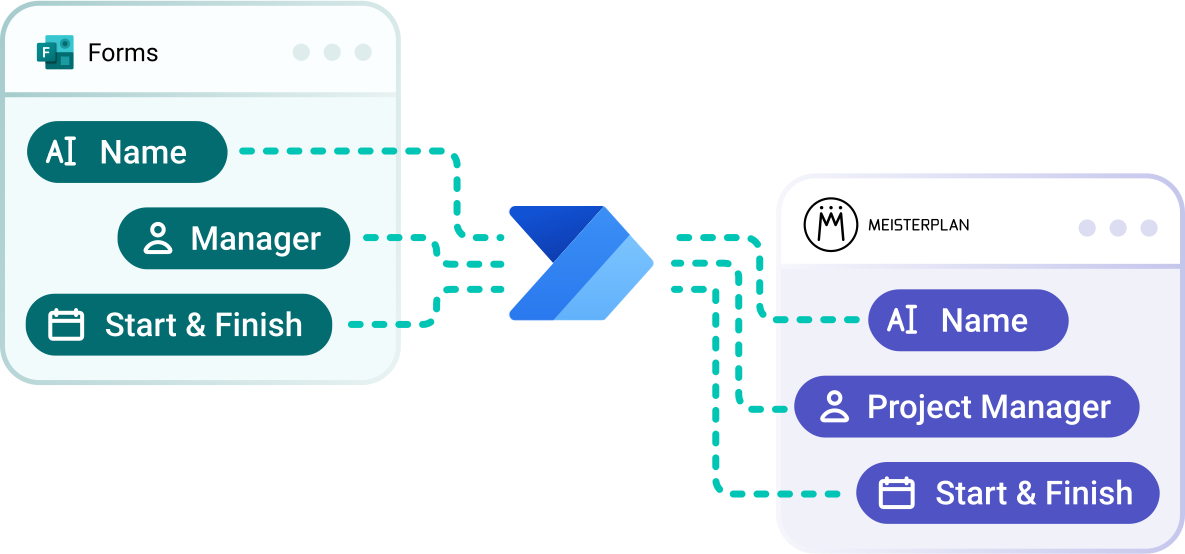
Use our pre-built template to design your own code-free project intake workflow using Power Automate.
- No Meisterplan access required: Embed your forms wherever your teams already work, such as Microsoft Teams or SharePoint.
- Complete control over data quality: Define mandatory fields and optional approval steps to ensure only qualified initiatives get through.
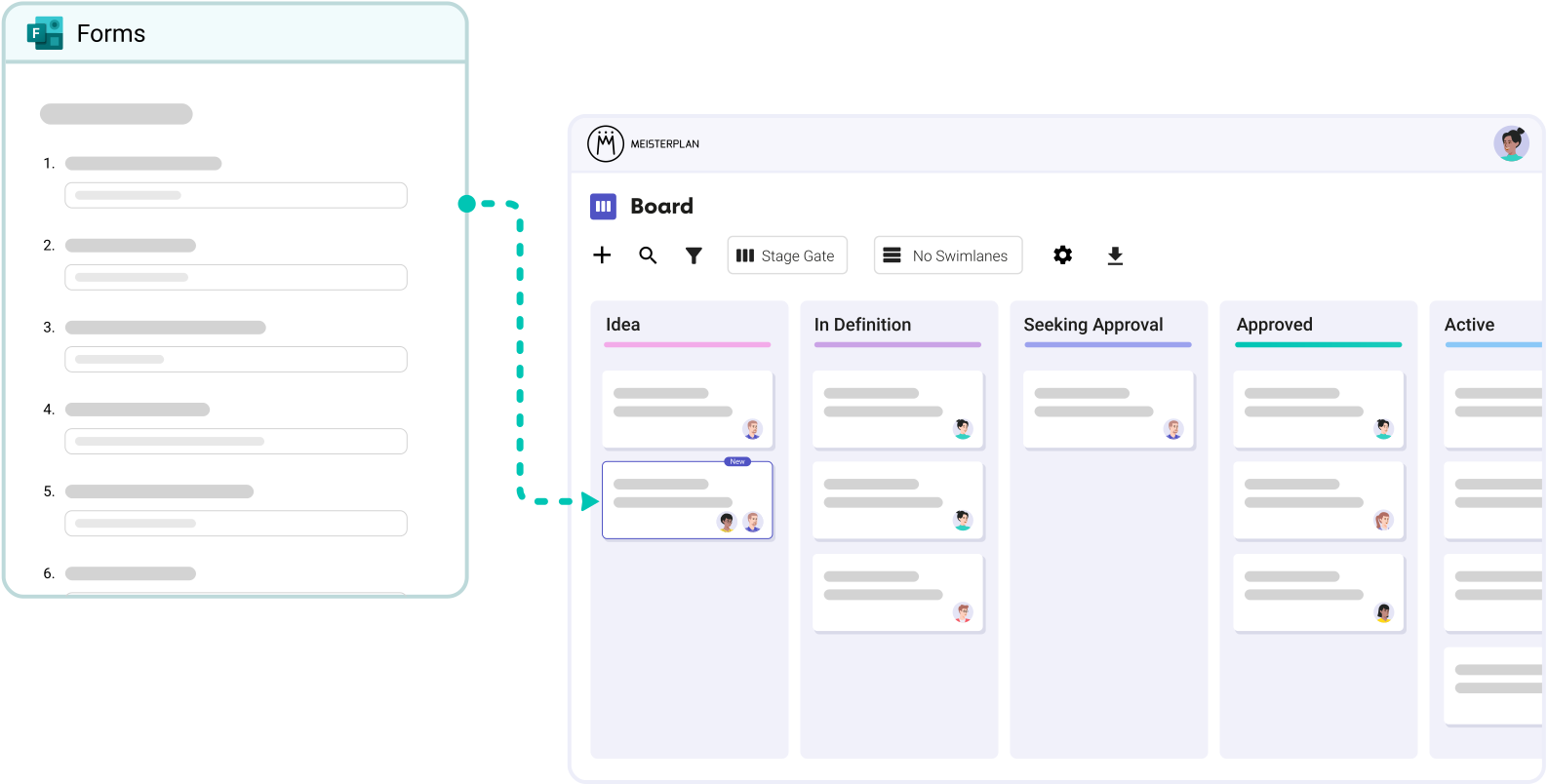
- Instant visibility for new initiatives: Projects are created automatically and are instantly ready for further planning.
Test It Yourself in 3 Simple Steps
Zero effort for your teams + enterprise-grade security.
Step 1:
Start your Meisterplan trial, click Integrations in the navigation menu, and select Microsoft Forms.
Step 2:
Add your Form ID to our pre-built Power Automate workflow.
Step 3:
Fill out the linked form to automatically create a project—instantly visible in your Board, Portfolio Designer, and Project List.
Better Together: Microsoft Forms & Meisterplan
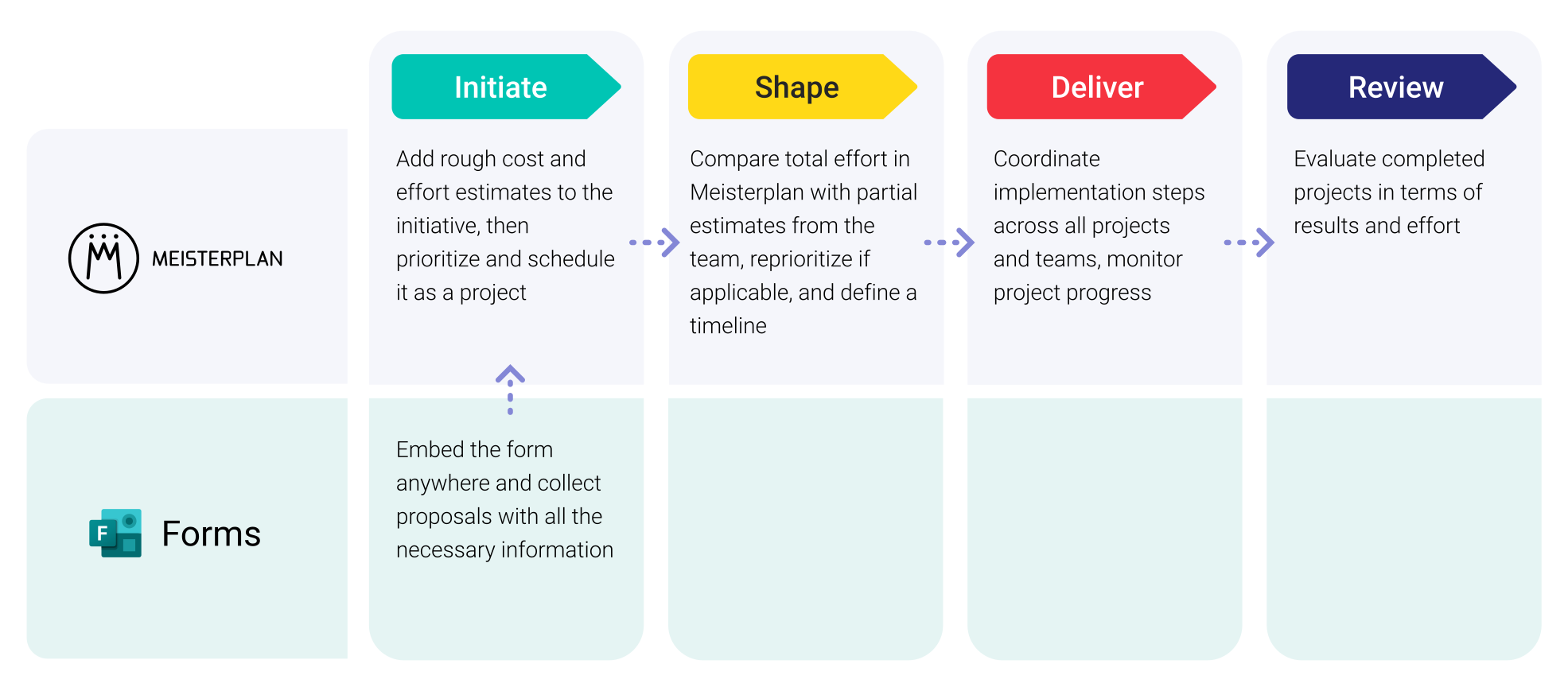
Leveraging Microsoft Forms Data in Meisterplan

Everyone started to see Meisterplan as the endpoint — the place where all data flows and where we make sense of everything. It gives us the executive view, the ability to plan, and the confidence to make decisions.
FAQ
Frequently asked questions about the Microsoft Forms and Meisterplan integration.
Yes, a Power Automate Premium license is required.
Yes, you can create as many workflows as you need.
Our Power Automate workflow includes over 30 parameters you can pull from your form. This includes budgets, strategic goals, project leads, and many other project details.
You can protect the data quality of new initiatives in two ways: (1) Mark key fields as required directly within your form. (2) Use our workflow variant that includes a built-in approval process.
No, you can also build your own custom workflow from scratch.

Ready for the Next Step?
Connect your existing systems with Meisterplan in no time — and see the results for yourself.