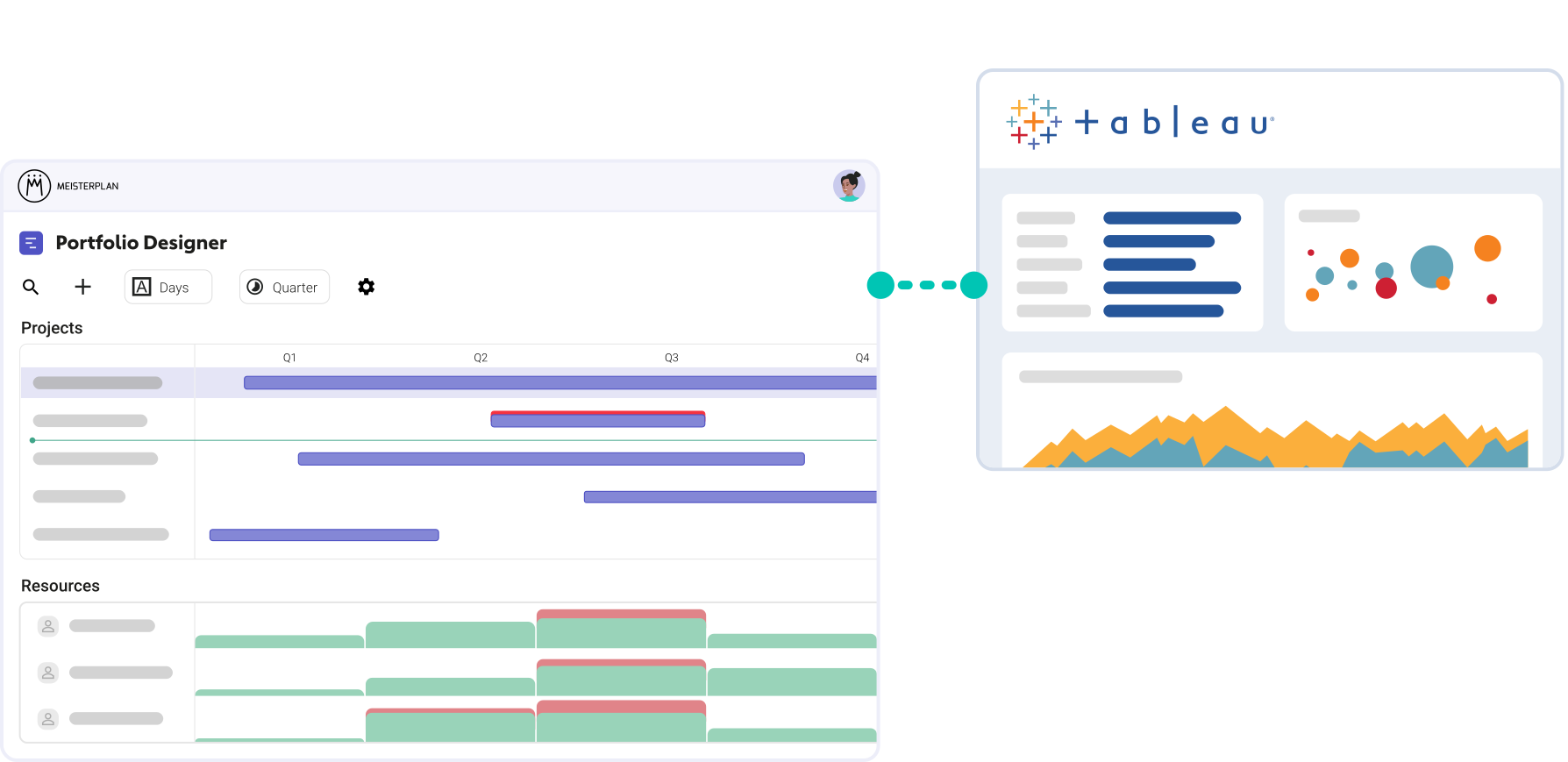
Make Meisterplan a Native Data Source
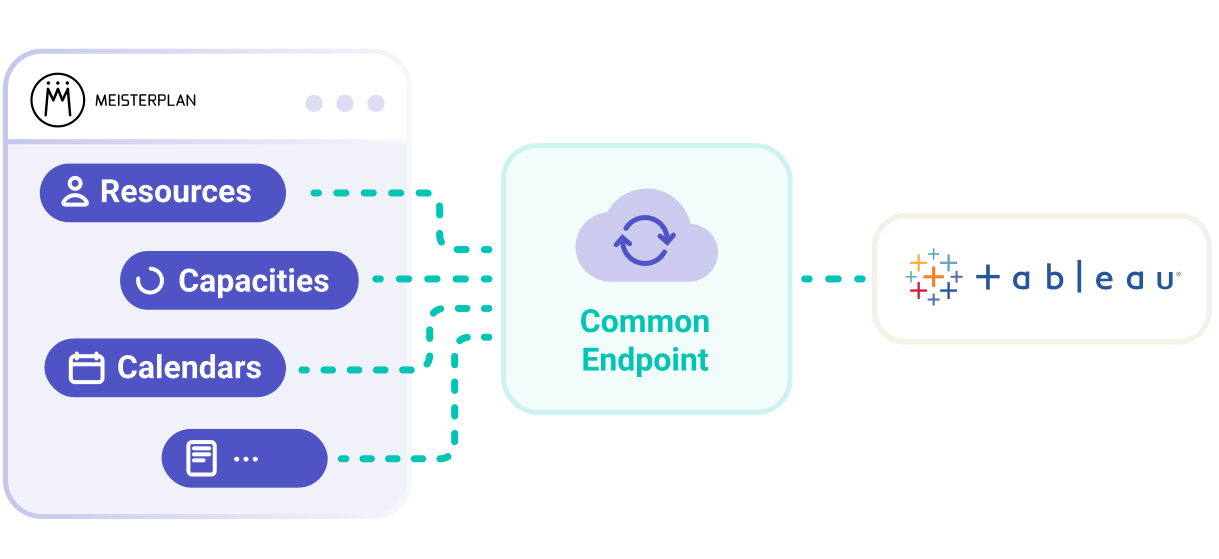
We built a dedicated connector for Tableau. It brings your Meisterplan data straight into Tableau as a data source.
- Report-ready data: Each endpoint returns its related fields in a single call, with no paging to work through.
- Monthly or weekly: Load allocation and capacity data in the time unit that fits your analysis.
- Using templates or from scratch: Start from a ready-made template or build your own reports.
What You Need for the Integration
Access and Tools
A Meisterplan account with API permissions, your own Tableau license, and Tableau Desktop (where the reports are configured).
An API Token
Created in Meisterplan. It controls which data the connection can see.
A Little Time
With our templates and Help Center guides, you can set everything up yourself, step by step.
Build Tableau Reports
That Only Portfolio Data Make Possible
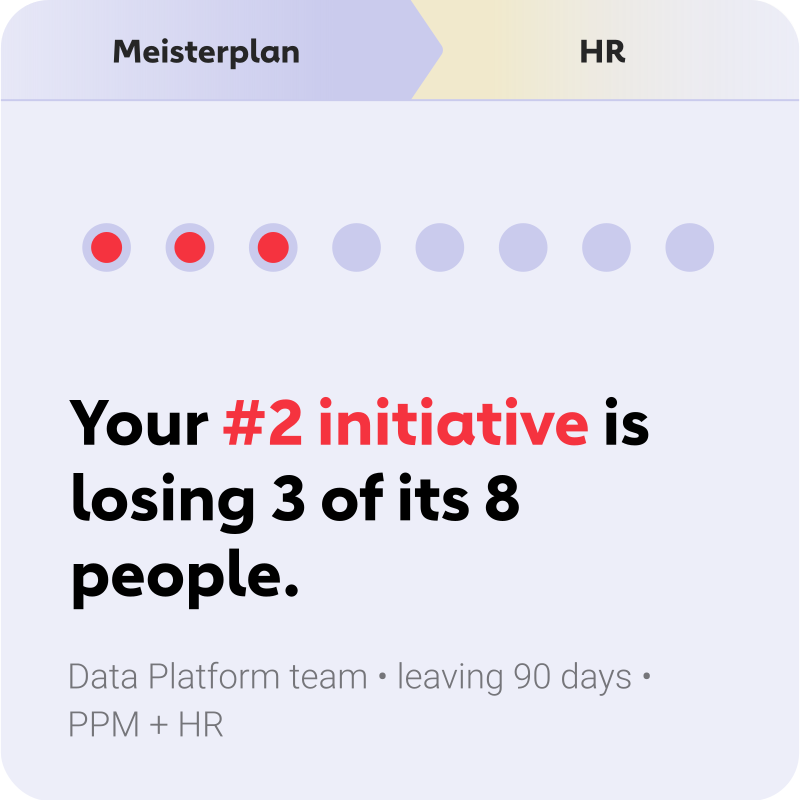
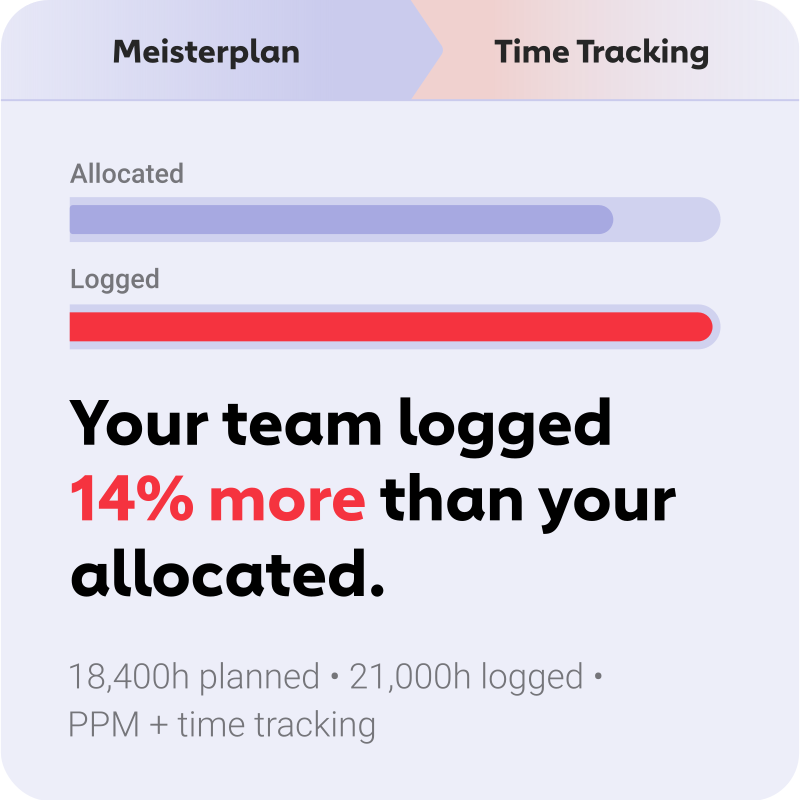
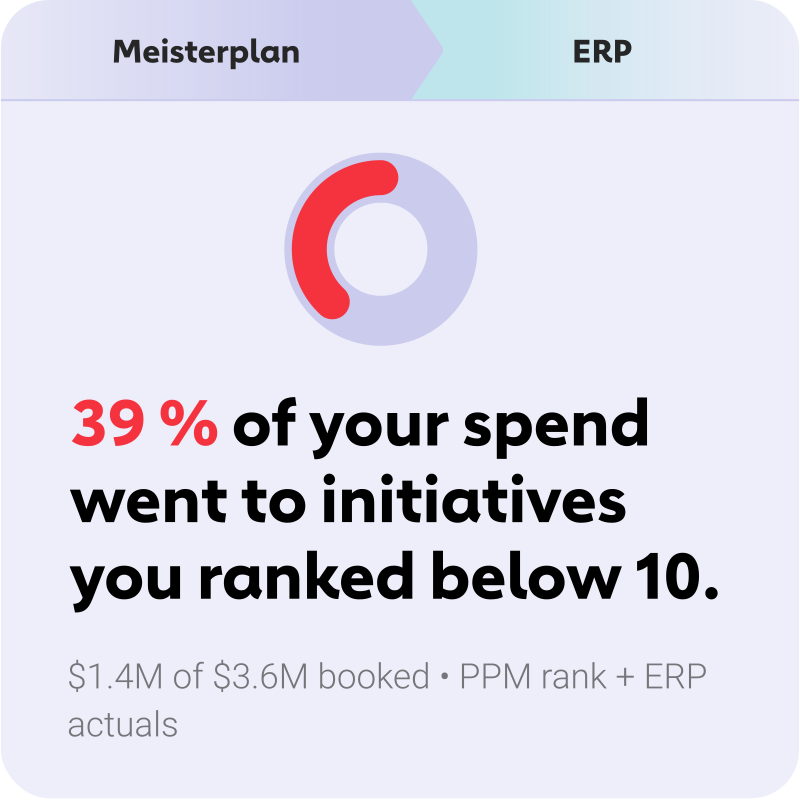
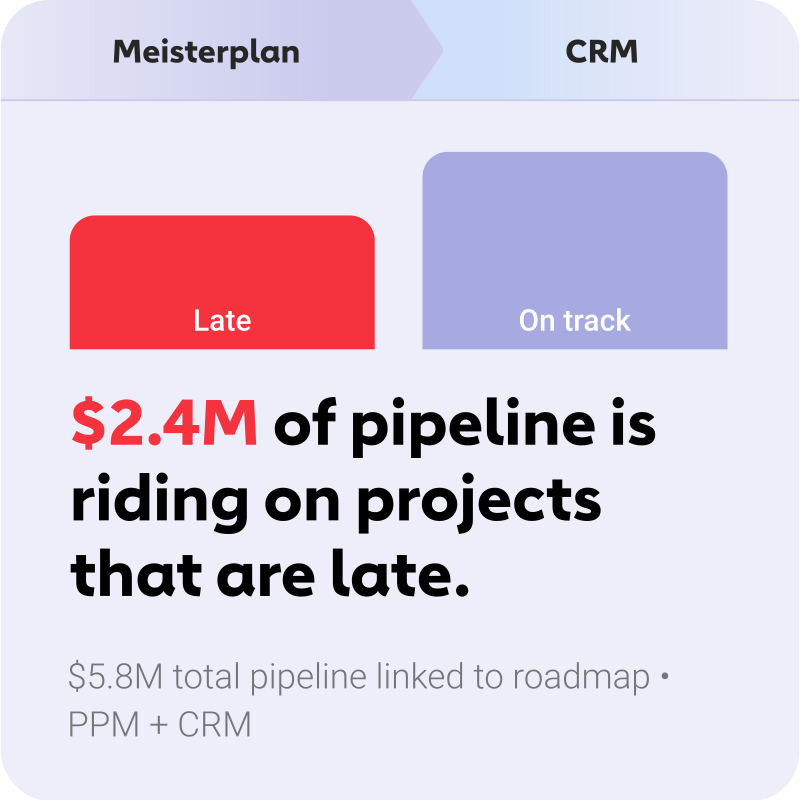
Most of your tools show the current state in Tableau. Meisterplan shows you what was planned.
Together, they produce reports neither side can deliver on its own. Here are a few examples.
Two Templates for a Quick Start
Our templates bring your portfolio into Tableau in just a few clicks. From there, adjust the presentation to suit your needs.

Everyone started to see Meisterplan as the endpoint — the place where all data flows and where we make sense of everything. It gives us the executive view, the ability to plan, and the confidence to make decisions.
FAQ
Frequently asked questions about integrating Tableau and Meisterplan.
No. The connection is read-only. Your portfolio in Meisterplan stays untouched. For two-way synchronization, there’s the separate Meisterplan REST API.
No. The Tableau connector can’t be used with on-premises Meisterplan systems.
Yes. Add the Meisterplan connector to your Tableau Server’s allowlist and import the provided configuration file. From there, you publish your reports from Tableau Desktop as usual.
When loading, you can choose between monthly and weekly time units. The maximum is 120 in each case.
Via an API token you create in your Meisterplan user profile. It grants access only to the data your Meisterplan account is permitted to see.
Tableau has announced that it will end support for Web Data Connector 2.0. The Meisterplan connector works as long as Tableau supports this technology. Once support ends, you can use a data warehouse as an intermediary.

Want to Speak to an Expert?
Talk to our team today.