A Simple Way to Get Projects and Programs onto Slides
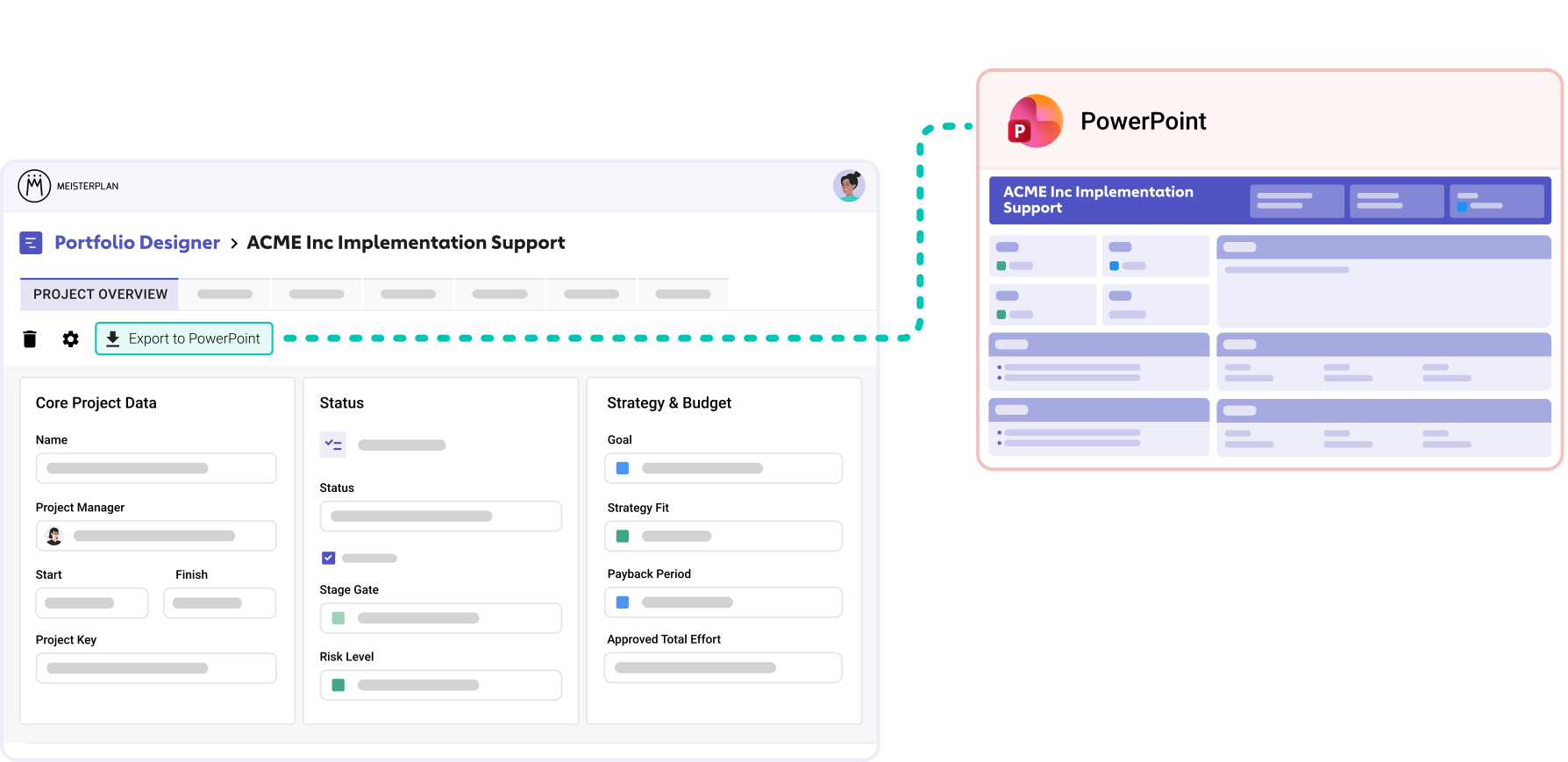
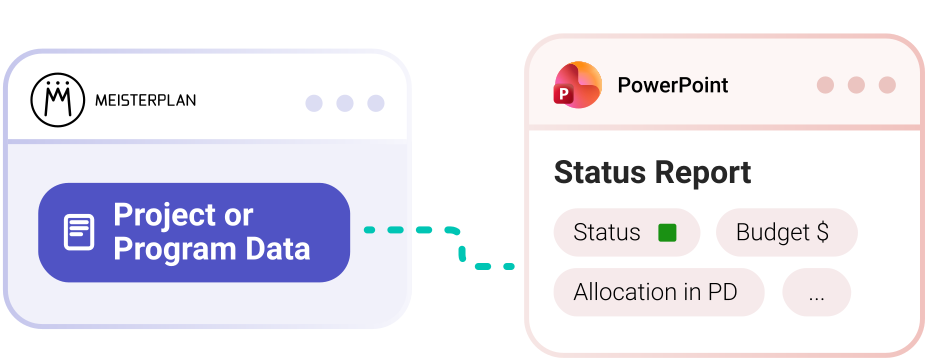
Our system of placeholders and templates lets you design slides however you like, store them in Meisterplan, and pull them up freshly populated whenever you need them.
- You decide what goes where: Choose which data flows into your PowerPoint and place it exactly where you need it.
- Set it up once, use it always: Upload up to ten templates to store for different occasions, and create presentations in one click every time.
- Multiple projects at once: Create slides for every project you want to present in a single export.
Try It Yourself in Three Steps
Step 1:

Start a free trial and open a project or program in the Portfolio Designer using the pencil icon.
Step 2:
Click "Export to PowerPoint" and get a fully populated sample slide in Meisterplan's design right away.
Step 3:

Or use our Help Center to build up to ten of your own templates, ready for export from then on.
How the PowerPoint Export Helps Customers in Their Daily Work
Board meetings, weekly status updates, or a quick question about resource allocation. Reporting happens constantly, and it usually takes preparation. That’s what makes the export so useful:
- It saves time, because once the template is set up, one click on "Export" produces the status report with no manual work at all.
- It makes data accessible to everyone who doesn't work in Meisterplan, because it presents in a familiar format and PowerPoint files are easy to share.
- It always shows the current state, without the small errors that creep in when values get copied back and forth, or the risk of outdated information because you pulled it too early.

Bring Your Own PowerPoint Design
Does your company have standardized slide decks? Perfect!
Meisterplan's placeholders can be arranged freely and fit into just about any layout.

Once a week, we create a report that shows us where any conflicts might be. As a portfolio manager, this has been a especially beneficial.
FAQ
Frequently asked questions about integrating Microsoft PowerPoint and Meisterplan.
Yes. Select multiple projects in the list view and click “Export to PowerPoint.” For each project, the slides containing placeholders are duplicated and populated with that project’s data. If all the projects you want to export belong to the same program, you can simply export the program. This will result in an overview slide for the program and one slide for each project it contains.
Yes. The exported PowerPoint file is a completely normal, fully editable document. Content and layout can be adjusted however you like after the export.
Yes, in the Pro and Premium editions. You can upload your own .pptx file and add placeholders for the fields you want, with up to ten of your own templates at a time. In the Basic edition, and whenever no custom template has been uploaded, Meisterplan’s standard template is used.
Yes. In the Pro and Premium editions, you can create up to 10 templates for projects and up to 10 templates for programs.
All common project and program fields, plus milestone and risk tables. Program templates can contain project placeholders, but project templates cannot include any program placeholders. You’ll find the full list of available fields and their placeholders in the Help Center.
Yes, you can embed SmartArt elements in your PowerPoint template, both in the slide master and directly on slides.
Yes. A template can be up to 5 MB and contain up to 10 slides and 200 placeholders.

Ready for the Next Step?
Connect your existing systems with Meisterplan in no time — and see the results for yourself.