

Meisterplan has become even more intelligent. The extended Meisterplan Auto-Schedule is now even smarter at automatically scheduling your projectsProjectA project is a time-limited undertaking with defined objectives and resources that delivers unique results and often includes complex tasks.. And with the extended histogramHistogramA histogram in resource management is a graphical representation that helps to keep track of personnel requirements and available capacities. It shows how often certain values (e.g., person days or… feature, you can now display the allocationsAllocationAllocating describes the strategic process of identifying the correct resources for projects or individual tasks and assigning them accordingly. of all selected projects. Learn about the new features in detail:
Create your Optimal Project Plan Faster and More Flexibly with Meisterplan Auto-Schedule
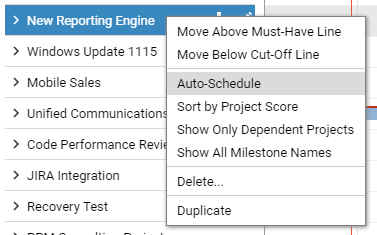
The Auto-Schedule feature, which automatically organizes the chronological order of selected projectsProjectA project is a time-limited undertaking with defined objectives and resources that delivers unique results and often includes complex tasks. so that they can be completed in the shortest possible time, has now been improved to take into consideration the Meisterplan ranking of projects in addition to milestoneMilestoneIn project portfolio management, a milestone marks an important point in a project’s progress that requires monitoring or decision-making. Milestones indicate project phases, marking the completion of objectives or the… dependencies and role and resourceResourceResources are all the people, places and things that you need to complete projects. The most important resource? Employees, of course! capacities. The Auto-Schedule feature can now also move individual project segments, making it even more flexible to create the optimal plan for your projects. You can still easily undo Auto-Schedule actions by clicking the undo button. Plus, you can easily see the status of each project touched by the Auto-Schedule feature clearly displayed in the project list.
Meisterplan Auto-Schedule for a Single Project or Multiple Projects
The Suggest Best Fit feature has also been updated and renamed Auto-Schedule. It functions exactly like the multiple projectProjectA project is a time-limited undertaking with defined objectives and resources that delivers unique results and often includes complex tasks. Auto-Schedule feature – taking into consideration all other projects and adding the ability to move project segments individually – but it is used to find the optimal position for a single project, and can be accessed through the project context menu.
New Histogram Features Allow You to Display Exactly the Information You Need
Several features have been added to the histogramHistogramA histogram in resource management is a graphical representation that helps to keep track of personnel requirements and available capacities. It shows how often certain values (e.g., person days or… to better fit your needs. The allocationAllocationAllocating describes the strategic process of identifying the correct resources for projects or individual tasks and assigning them accordingly. filter displays only the allocations of selected projectsProjectA project is a time-limited undertaking with defined objectives and resources that delivers unique results and often includes complex tasks.. Using the histogram filter options, you can now limit the displayed roles and resourcesResourceResources are all the people, places and things that you need to complete projects. The most important resource? Employees, of course! to only those allocated to the displayed projects. And through the histogram view options, you can now display the capacity and allocation of roles and resources for a custom time period in the histogram hints.
Read Next

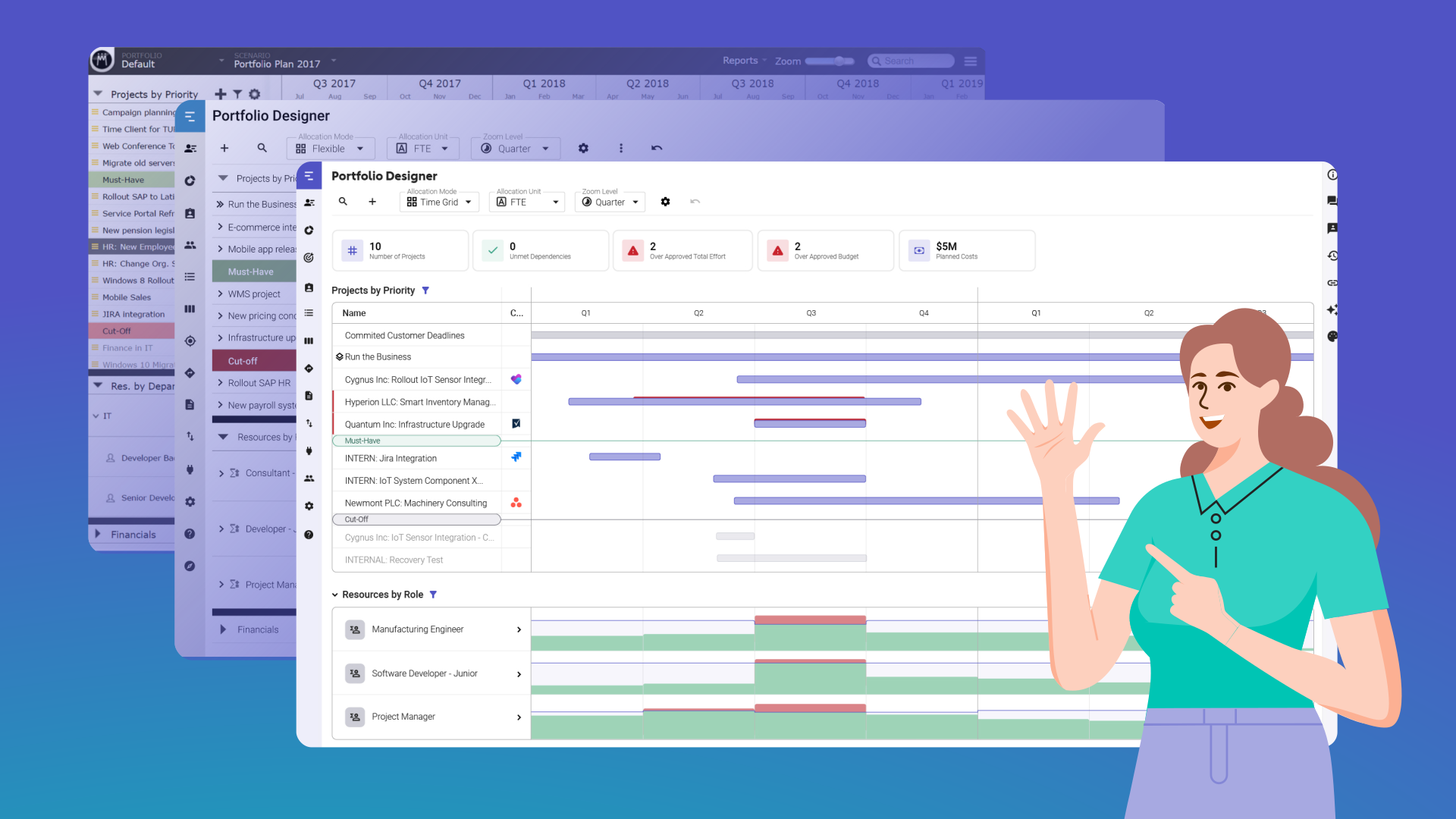
5 Things You’ll Love About the New Portfolio Designer
With our new Portfolio Designer coming out of beta soon, it’s time to get excited about everything the new-and-improved view has to offer!

Turn Your AI into a Real Portfolio Assistant with Meisterplan’s MCP
Meisterplan’s MCP is here. Connect your project portfolio to AI and get smarter answers, better insights, and more efficient portfolio management.