Up and Running Fast with the Reporting API
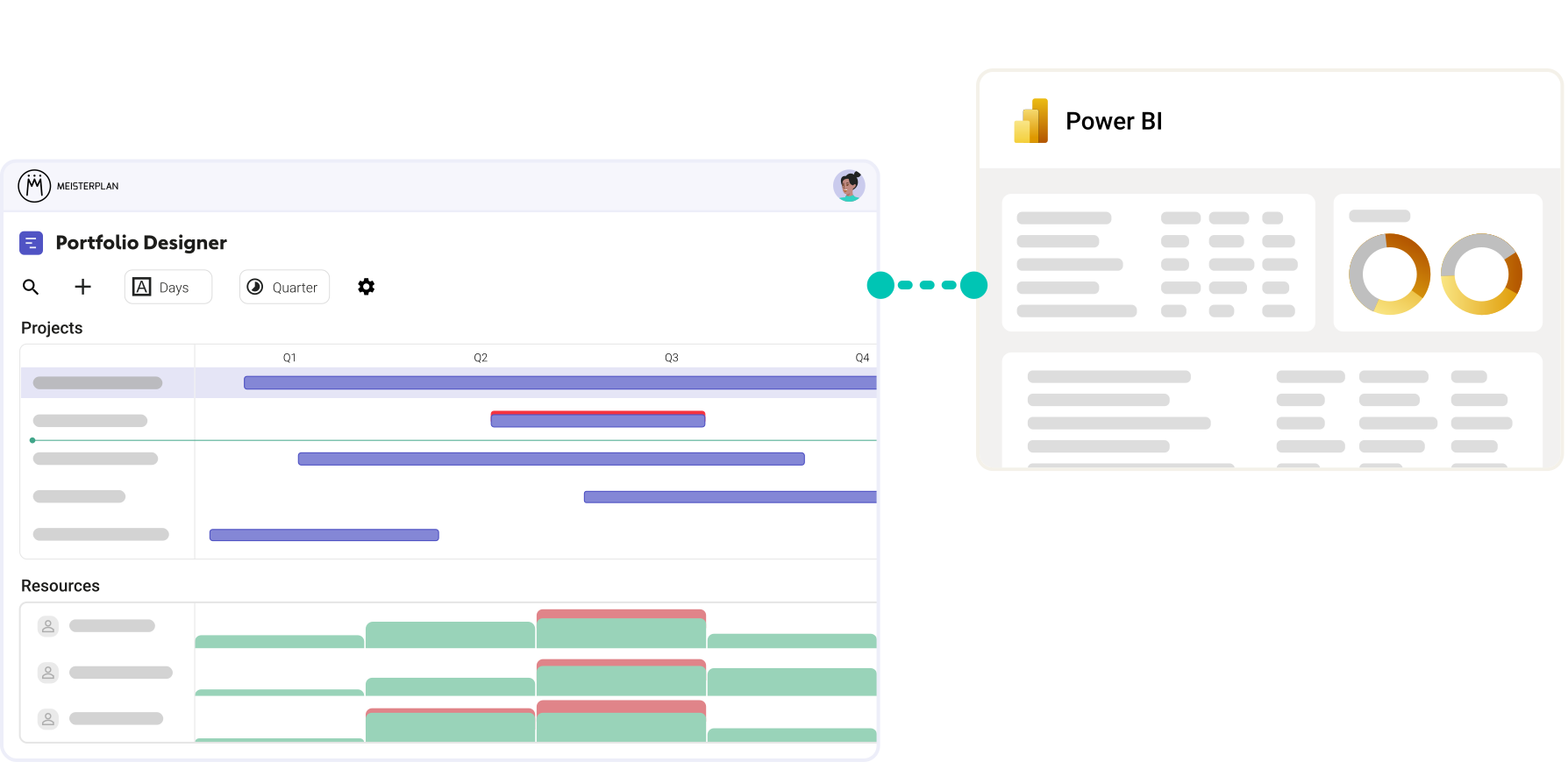
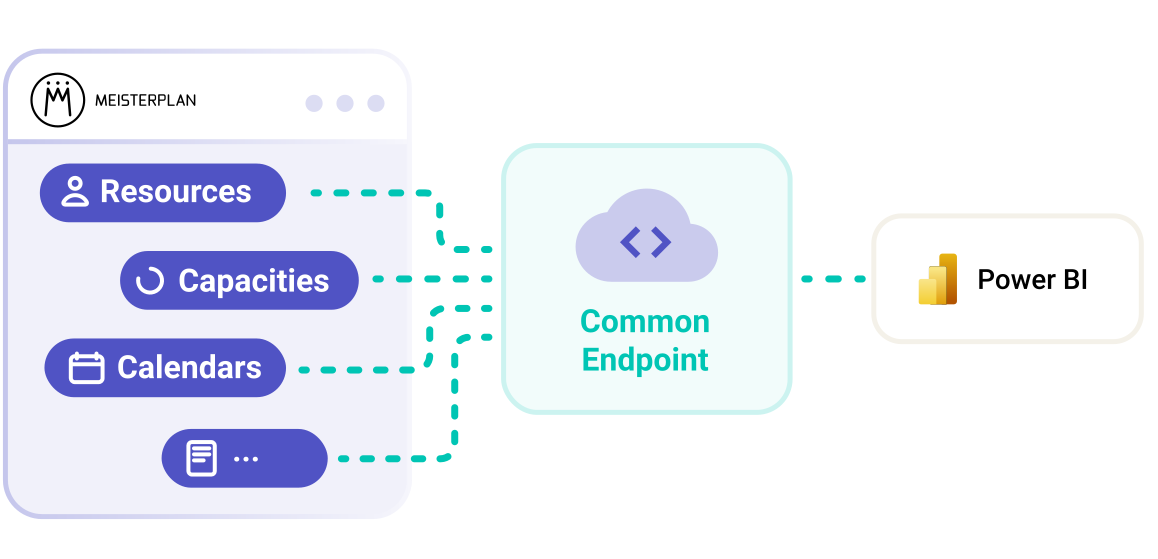
We built Meisterplan’s Reporting API on the REST standard and tailored it to BI tools. That means your portfolio data connects to Power BI quickly and is ready to use right away.
- Report-ready endpoints: Each endpoint returns its related fields in a single call, with no paging to work through.
- Little manual cleanup: The data comes denormalized. Project and scenario names sit right on the row, so there's no need to resolve them from IDs.
- A guided start: Our Power BI templates deliver results immediately, and the Help Center walks you through the entire setup.
What You Need for the Integration
Access
A Meisterplan account with API permissions, plus Power BI Desktop.
An API Token
Created in Meisterplan under Manage Apps. The token controls which data the connection can see.
A Little Time
Start with one of our templates or build your own report from scratch. The Help Center guides you through both options.
Build Power BI Reports That Only
Portfolio Data Make Possible
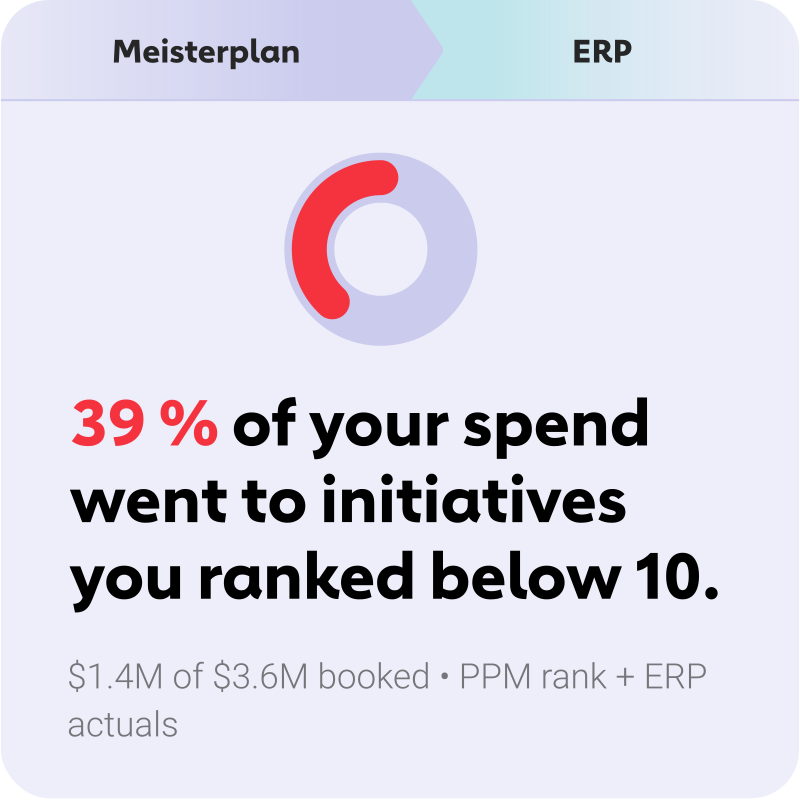
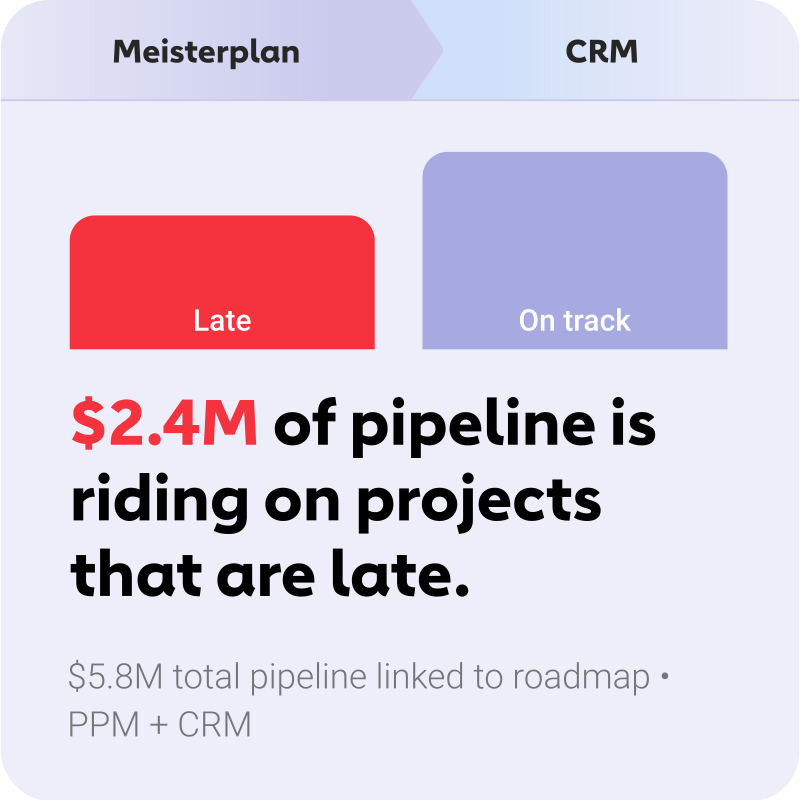
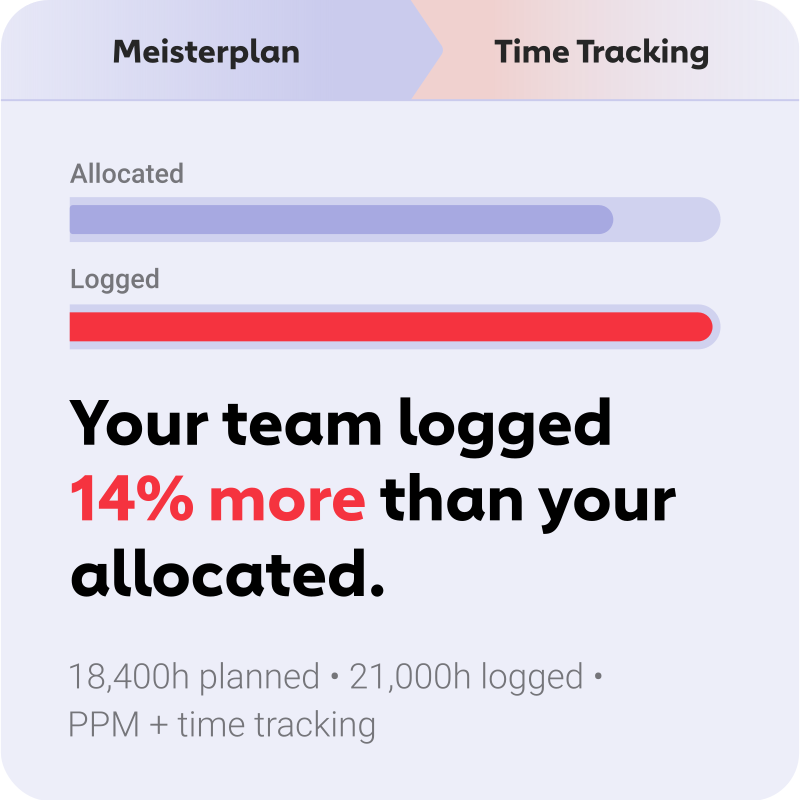
Most of your tools show you the current state in Power BI. Meisterplan shows you what was planned.
Together, they produce reports neither side can deliver on its own. Here are a few examples.
A Selection of Ready-Made Report Templates

Everyone started to see Meisterplan as the endpoint — the place where all data flows and where we make sense of everything. It gives us the executive view, the ability to plan, and the confidence to make decisions.
FAQ
Frequently asked questions about integrating Power BI and Meisterplan.
The Reporting API delivers projects and their details (including status, business goal, and rank), milestones with their dependencies, allocations (who is assigned to which project, when, and for how long), and KPIs such as Total Planned Costs, Planned CapEx, Planned OpEx, Planned Benefit, and Planned Net Value. The data arrives with readable names, so you don’t have to look up project or scenario names using IDs.
No. The Reporting API is read-only. Your portfolio in Meisterplan can’t be changed through this interface. For two-way synchronization, there’s a separate REST API.
Through API tokens. Tokens are user-specific and grant access only to the data the associated Meisterplan account is permitted to see, so a token can never see more than the person it belongs to.
Tokens are created in your user profile under Manage Apps; this requires the Use Meisterplan APIs and Connect External Applications right (under Administration > User Groups > Integrations).
Because tokens are tied to a user account, we recommend running production reports on a dedicated account rather than a personal token.
Yes. The endpoints are switched to your internal domain for this: https://<internal domain>/reporting-api/v1/<endpoint>.
You control the updates in Power BI yourself via the refresh schedule. One thing to note during setup: Without date parameters set, only the last 30 days of data are loaded.
Yes, and that’s the whole point! The Reporting API gives you clean portfolio data for your Power BI model. What it doesn’t do for you: Your Meisterplan project IDs need to line up with the cost centers in your ERP and the keys in your other systems.
The Reporting API is available in Pro and Premium.
Yes. You’ll need to open them in the desktop version first, as only this version supports the full feature set. After that, you can easily upload the report to the web version.

Ready for the Next Step?
Connect your existing systems with Meisterplan in no time — and see the results for yourself.